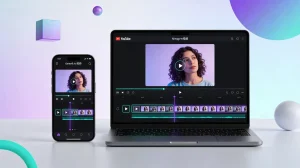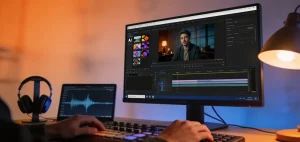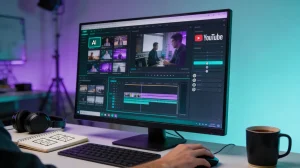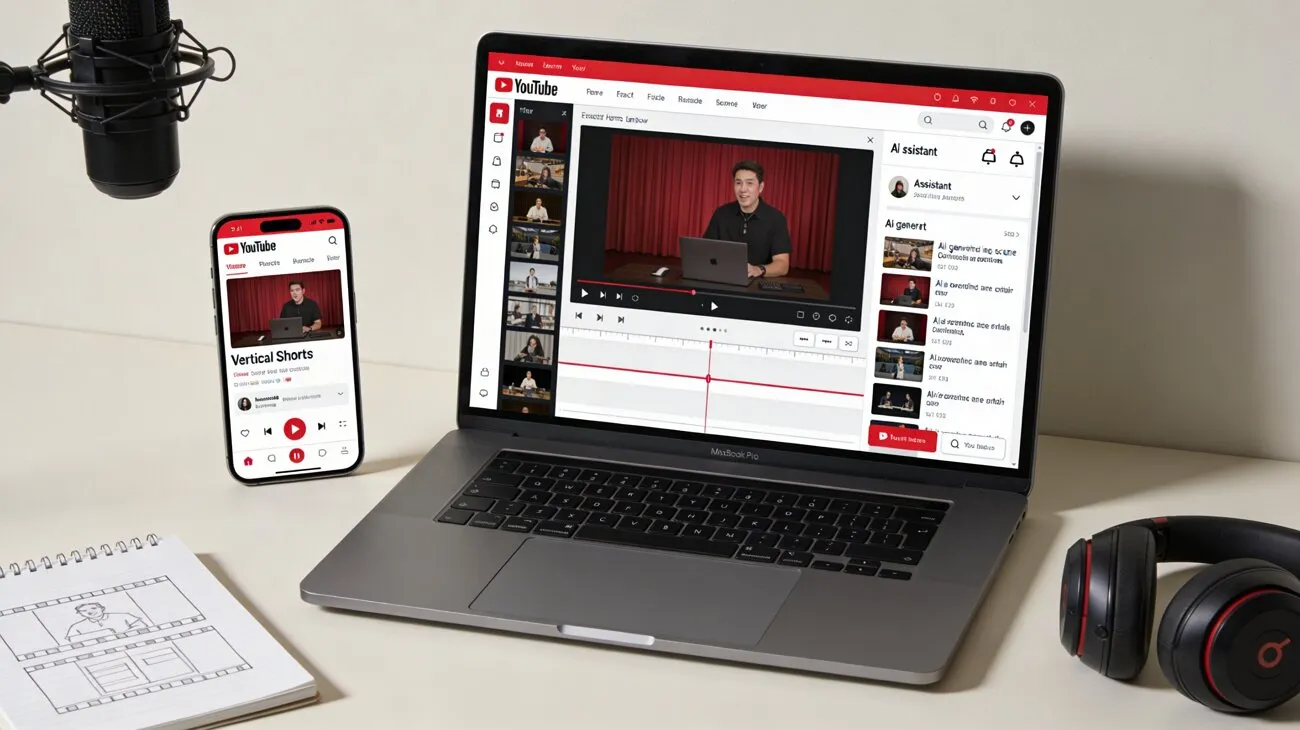
A beginner YouTuber wants to grow a channel but lacks editing skills and resources. AI-powered tools now offer a practical solution by simplifying video creation from start to finish. With just a few prompts, users can generate scripts, visuals, and voiceovers in minutes. This eliminates the need for complex software or technical expertise.
Free AI platforms enable the production of high-quality videos quickly and consistently. In this guide, you'll discover effective methods and useful tips to create YouTube videos with AI, helping you save time while improving both creativity and productivity.
Part 1. Best Tool for Creating YouTube Videos with AI
MagicLight AI is a powerful all-in-one platform designed to simplify how to create YouTube videos with AI using smart automation and creative tools. It allows users to turn simple ideas, scripts, or even images into fully animated videos with smooth transitions and consistent visuals. Its standout image-to-video feature can animate a single photo into a dynamic scene with realistic motion and preserved details.
The platform also supports story-to-video and character creation, making it ideal for YouTube creators. With prompt-based controls and ready-made templates, beginners can easily produce professional videos without editing skills or expensive software.
Key Features Offered By Magiclight AI
- Multiple AI Models: MagicLight AI supports advanced AI models, such as Sora and Veo 3, enabling high-quality, realistic video generation. This gives creators flexibility to choose styles and outputs suited for different YouTube content types.
- Duration and Resolution Selection: Users can customize video length and resolution based on their needs, whether for Shorts or full-length content. This ensures better control over quality and platform optimization.
- Explainer Video Creation: The platform simplifies complex topics by turning scripts into clear, engaging explainer videos. It’s especially useful for educational, marketing, and tutorial-based YouTube channels.
- Multiple Input Image Formats Support: MagicLight AI allows uploading various image formats to generate videos seamlessly. This flexibility helps creators reuse existing visuals and transform them into dynamic animated content.
Step-by-step Guide to Generating YouTube Videos With Magiclight
Since you have learned about the features of this tool in detail, let us now explore how to create a YouTube video with AI using Magiclight:
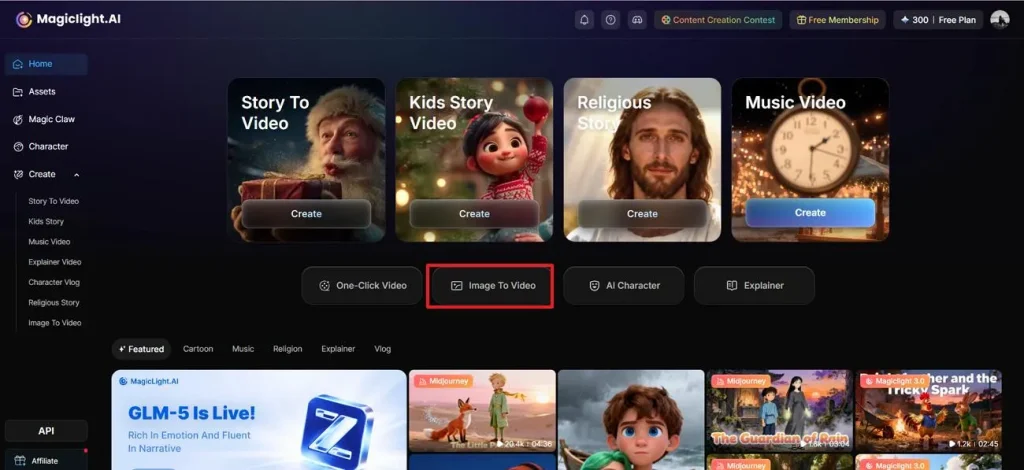
Step 1. Access Image to Video Function
Start by opening the tool on your browser and choosing the “Image to Video” feature from the homepage.
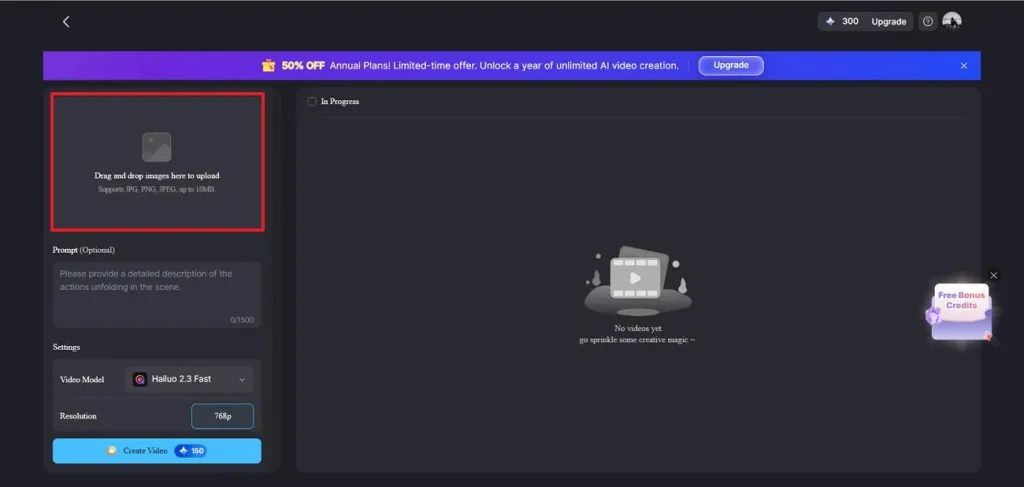
Step 2. Upload Image to Tool
Next, click on the "Drag and Drop Image Here to Upload" to add your reference image to the tool's interface.
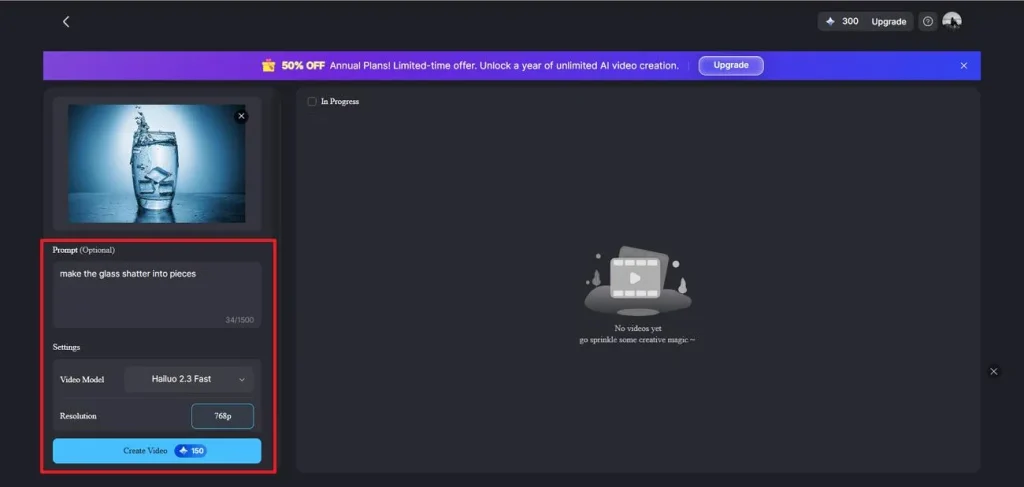
Step 3. Input Prompt and Settings
Moving forward, add the text prompt in the designated field and select the AI model from its drop-down menu. Now, select the duration and resolution from the options provided and hit the "Create Video” button to execute the process.
Best For: Beginners, faceless YouTube channels, and marketers looking to create high-quality videos quickly with AI automation
Part 2. How to Create YouTube Videos with AI
While many creators aim to create videos for YouTube with AI, challenges like maintaining originality, ensuring content quality, and avoiding over-automation can impact results. However, with a clear workflow and the right tools, these issues can be minimized effectively. Here is a general step-by-step guide on how you can create perfect visuals effortlessly:
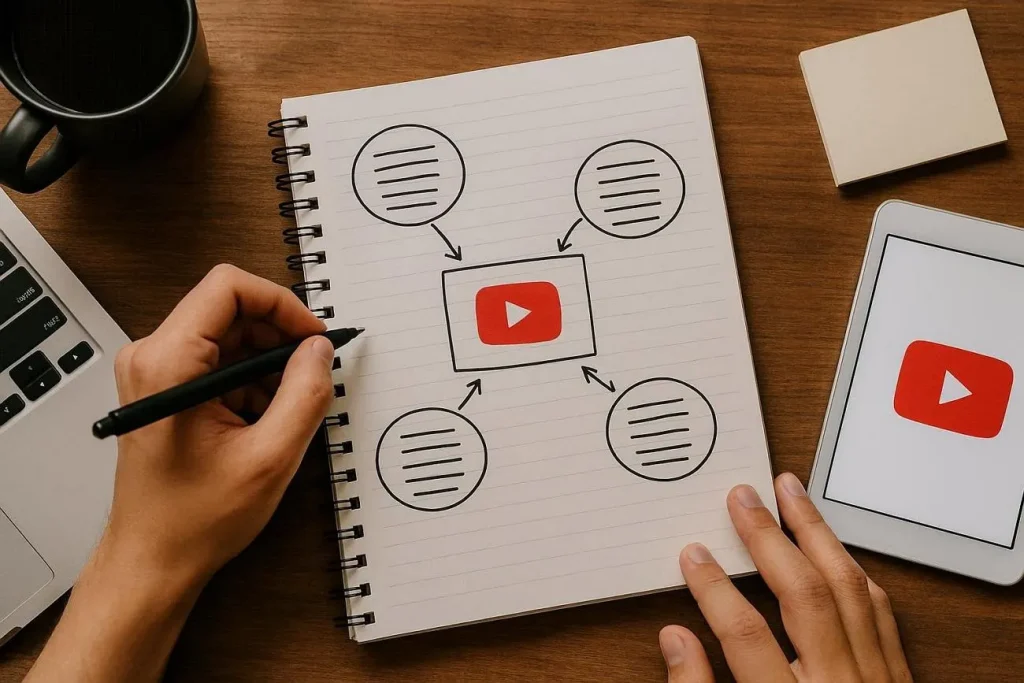
1. Planning Your YouTube Video Content
Start by identifying your niche, target audience, and video goals before using AI tools. Strong planning ensures your content stays focused and valuable. When you create YouTube videos with AI, outlining key points and structuring your message helps maintain clarity and engagement. A solid content plan also improves consistency and long-term channel growth.
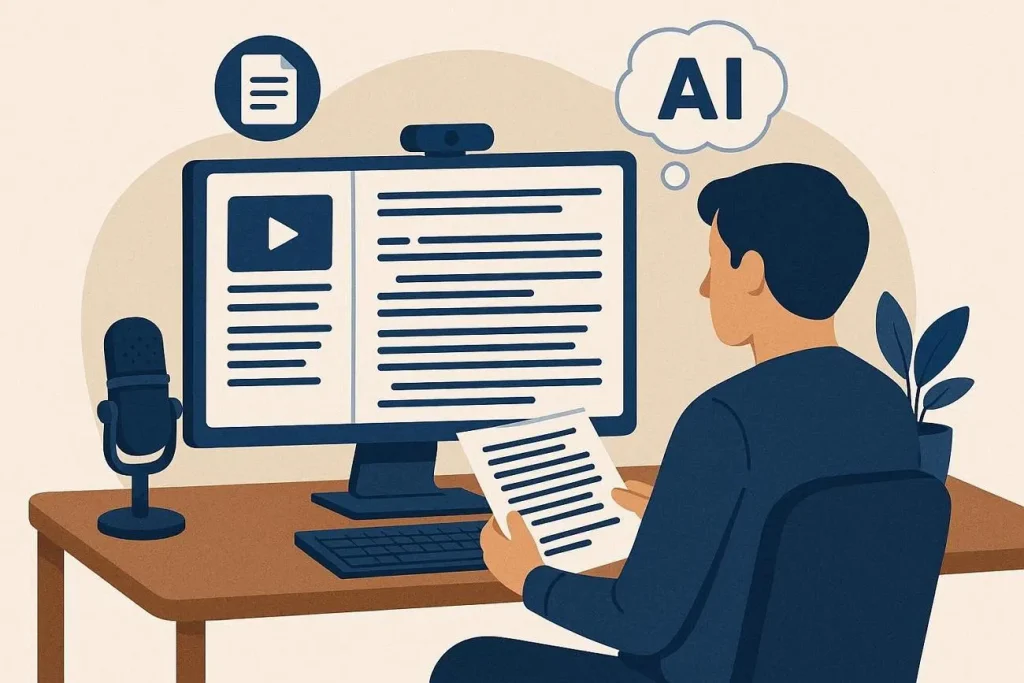
2. Writing AI-Generated Scripts
AI writing tools can quickly generate structured and engaging scripts from simple prompts. While creating YouTube videos with AI, refine the generated content to match your tone and audience preferences. Editing ensures accuracy, originality, and better storytelling, making your videos more natural and compelling for viewers.
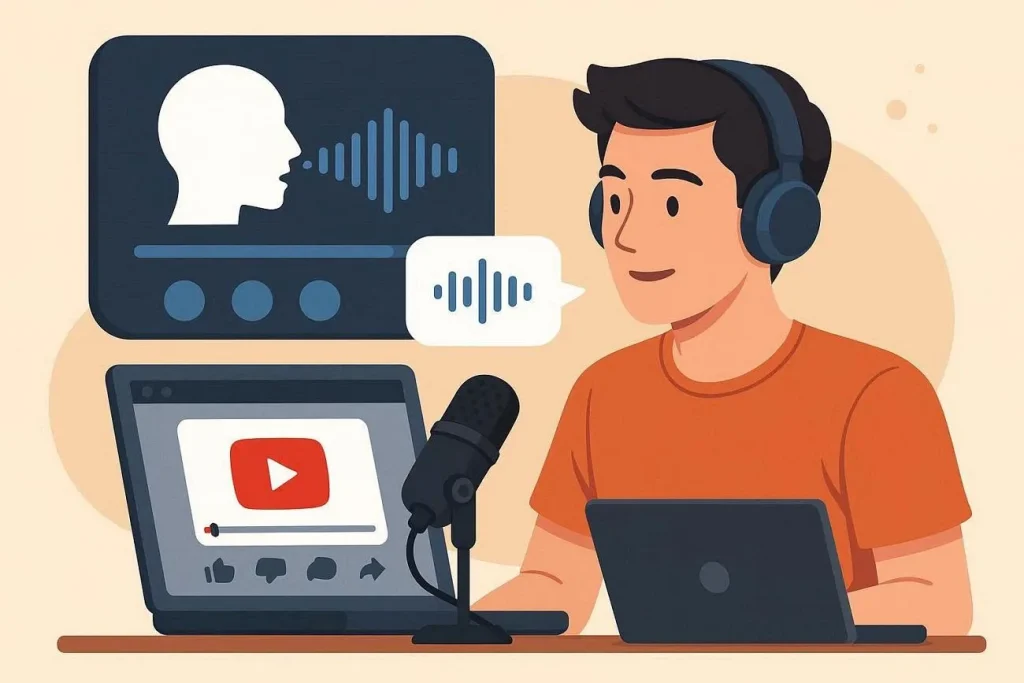
3. Using AI Voices and Narration
AI voice generators allow you to add realistic narration without recording manually. When you create YouTube videos with AI, selecting the right tone, accent, and pacing enhances viewer experience. High-quality narration makes your content more professional and accessible, especially for faceless YouTube channels.
4. Adding Visuals, Animations, and Stock Footage
Visual elements play a crucial role in engagement and retention for YouTube videos. While how to create YouTube videos with AI often focuses on automation, combining AI visuals with stock footage improves storytelling. Animations, transitions, and relevant clips make your content more dynamic and visually appealing.

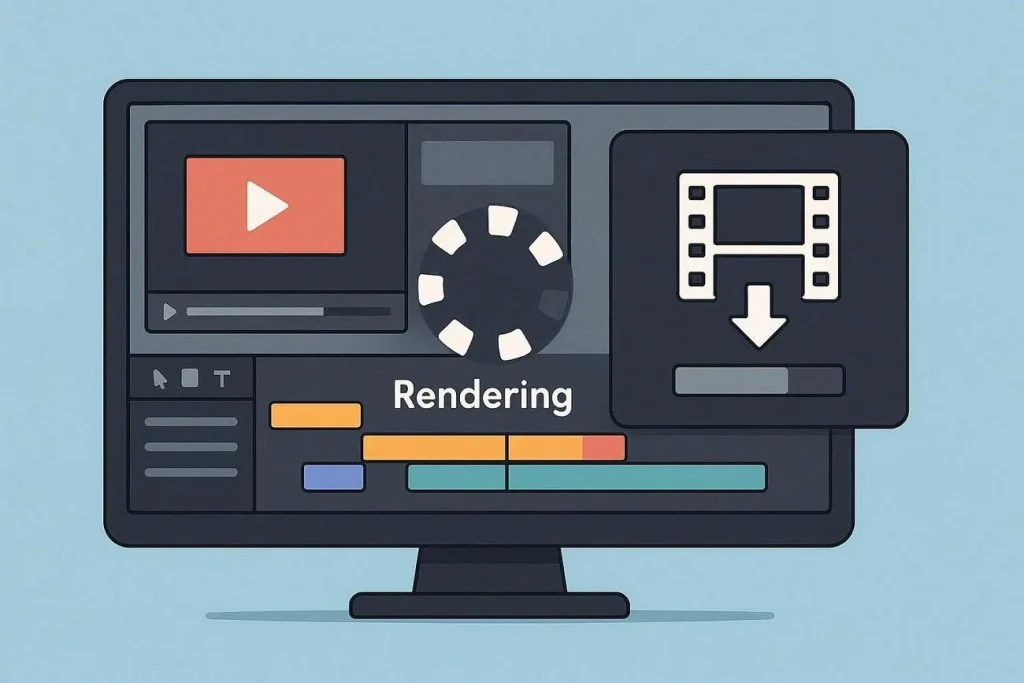
5. Rendering and Exporting Your AI Video
Once your video is complete, rendering ensures all elements are processed into a final format. When you create YouTube videos with AI for free, choosing the right resolution and format is essential for quality output. Export settings should align with YouTube requirements to ensure smooth playback and a better viewer experience.
Conclusion
To wrap it up, this article focused on providing practical methods on how to create YouTube videos with AI. From planning to final export, each step helps streamline your workflow efficiently. For those looking to scale content effortlessly, MagicLight AI stands out with its powerful Image to Video feature. This makes it an excellent choice for creating high-quality YouTube videos with ease.
Frequently Asked Questions
1. Can AI help make faceless YouTube videos?
Yes, AI makes it easy to create faceless YouTube videos by handling scripts, voiceovers, and visuals automatically. This allows creators to produce engaging content without appearing on camera while maintaining consistency and quality.
2. Which AI tools are best for YouTube content?
Tools like MagicLight AI are among the best for creating YouTube content efficiently. It offers features like image-to-video and script-to-video creation, making video creation faster and more accessible.
3. How long does it take to create a YouTube video with AI?
The time varies depending on video length and complexity, but AI significantly speeds up the process. Simple videos can be created within minutes, while more detailed projects may take a few hours to refine.
4. Can beginners make professional YouTube videos with AI?
Yes, beginners can easily create professional videos using platforms like MagicLight AI. Its intuitive interface and automated features reduce the need for technical skills, helping users produce high-quality content quickly.
![15 Top Cartoon Characters of All Time [New List]](https://blog-new.magiclight.ai/wp-2/wp-content/uploads/top-cartoon-characters-300x168.webp)
![9 Best AI Video Generation Models in 2026 [Easy Selection]](https://blog-new.magiclight.ai/wp-2/wp-content/uploads/best-ai-video-generation-models-300x168.webp)