


As you browse through your social media feed, you come across a captivating music video that caught your attention. You can't help but wonder how the creator managed to produce such an engaging visual experience. With the rise of AI technology, creating high-quality videos has become more accessible and affordable.
You look for video generators online, but cannot find one that meets your needs and fits your budget. In this article, we have curated a list of top AI video generator free no sign up no limits for users. Read the article till the end to get the most out of your video creation experience.
1. MagicLight AI
Built for long-form AI storytelling, MagicLight AI converts scripts, stories, or prompts into fully structured videos with characters and scenes. Its storyboard workflow keeps characters visually consistent across frames and supports animation. With tools like text-to-video, it functions as a free AI video generator with no limit option for producing narrative-style explainers, education, and faceless video AI content.
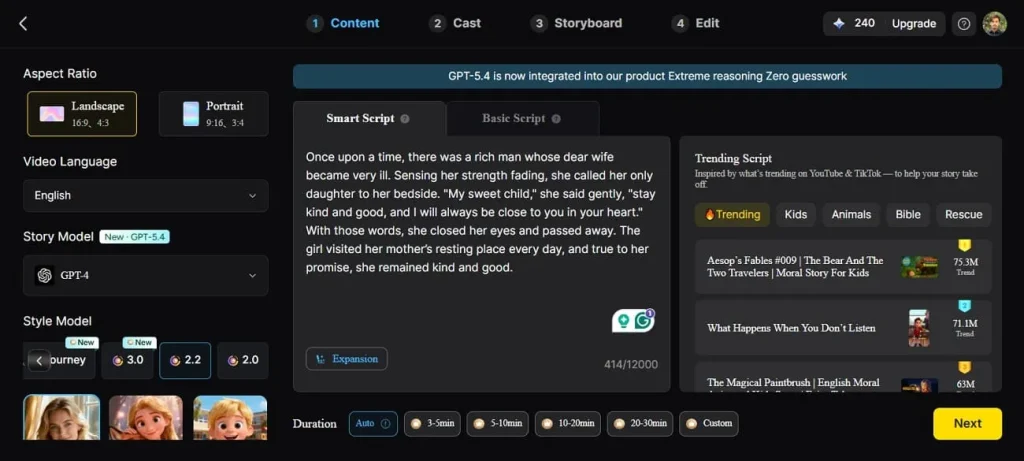
Moreover, users can generate videos up to 50 minutes. The tool also lets you turn your images into videos while maintaining consistency. It has optimized the video generation operations with the Magic Claw feature by combining creation, publishing, and tracking in a single place.
Key Features
- Voiceover Generation: MagicLight AI automatically converts scripts into natural-sounding narration using AI voices, allowing creators to add professional voiceovers.
- Subtitle Generation: The platform generates synchronized subtitles for each scene, keeping videos accessible and boosting viewer engagement.
- Lip Sync: MagicLight AI aligns animated character mouth movements with generated or uploaded speech, creating realistic dialogue sequences.
- Voice Cloning: With voice cloning, users can replicate a specific voice style for narration or character voices, enabling a consistent audio identity across multiple videos.
Pros
- The platform provides structured scene sequencing that helps maintain narrative flow in longer videos.
- It supports multiple styles, allowing creators to produce educational, marketing, or storytelling content.
- You can also create animated characters and customize them according to your preferences.
Con
- The AI video generation facility offers limited output resolution and does not support 4K resolution.
2. Upsampler Free AI Video Generator
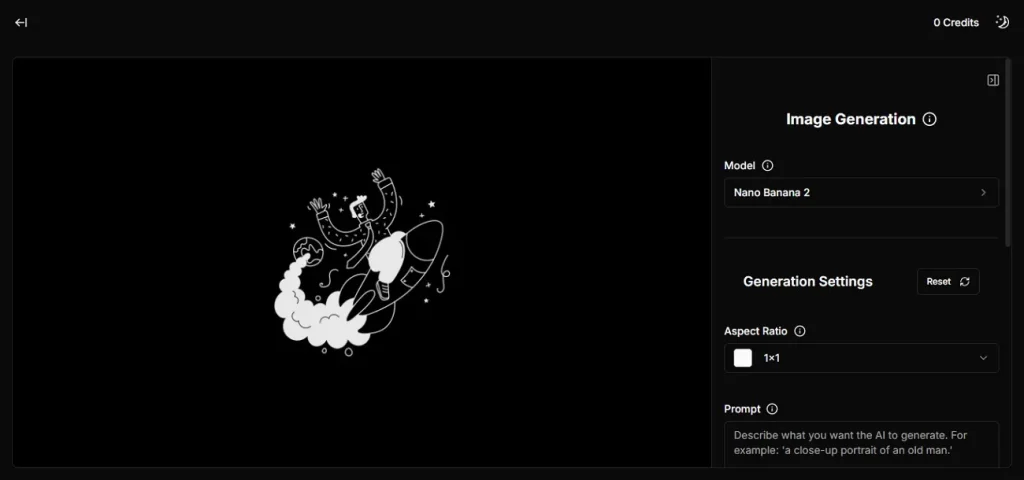
Designed for rapid generative workflows, Upsampler enables text-to-video and image-to-video creation using multiple advanced AI models within one interface. Users can animate still images and enhance visuals using built-in AI upscaling. This makes it a practical AI video generator free no limit tool for turning static visuals into motion content without registration.
Key Features
- Users can upload or simply drag and drop reference images and videos to the tool’s interface.
- You can select from multiple AI generation models according to your choice.
- The tool offers multiple aspect ratios for generating videos.
Pros
- Supports high-quality visual enhancement, improving the clarity of low-resolution media.
- Allows users to experiment with different AI rendering styles to achieve varied visual outputs.
Cons
- Upsampler mainly provides generative models and enhancement tools rather than a full timeline.
- Output consistency can vary depending on the AI model selected for generation.
3. Pixelbin AI Video Generator
Focused on media automation, Pixelbin’s AI video generator integrates with its image processing pipeline to convert assets into dynamic video content. It supports automated resizing and visual transformations before generating animated outputs. The tool acts as a free, no-limit AI video generator solution for brands that need automated content production from image libraries or product catalogs.
Key Features
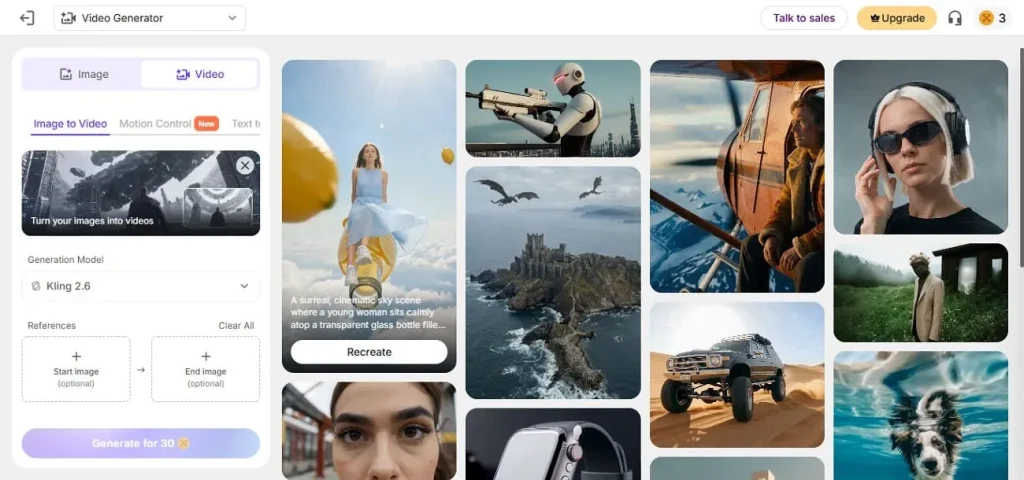
- Users can add start and end reference images, and the tool will generate videos accordingly.
- You can select multiple output generations in a single go.
- It lets you enable or disable background sound in the generated video.
Pros
- Handles bulk media processing efficiently, making it useful for brands managing.
- Offers cloud-based processing, enabling faster media transformation without heavy local computing
Cons
- Some features require API integration, which may not be ideal for non-technical users.
- The platform focuses more on media optimization than full AI video generation workflows.
4. VEED Free AI Video Generator
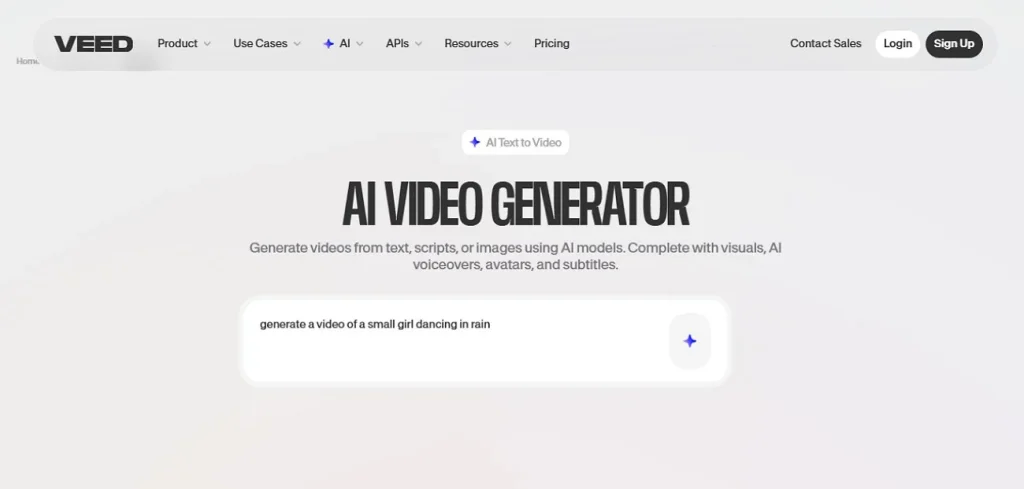
Integrated into a full online editor, VEED's AI video generator transforms written prompts into short video clips that can be placed on the editing timeline immediately. Creators can adjust aspect ratios and add branding elements directly in the editor after generation. With AI script assistance and automated visuals, the platform works as an AI video generator no limits free workflow for producing social media clips.
Key Features
- Users can add voiceovers to their videos in customized voices with this platform.
- You can export the generated output in multiple formats, such as MP4 and MOV.
- The auto subtitles feature automatically generates captions for your videos.
Pros
- Provides browser-based access, allowing creators to edit videos from any device.
- Includes collaborative project features so multiple team members can work.
Cons
- The free version often adds watermarks to exported videos.
- Many advanced editing tools require a paid subscription.
5. Vivideo
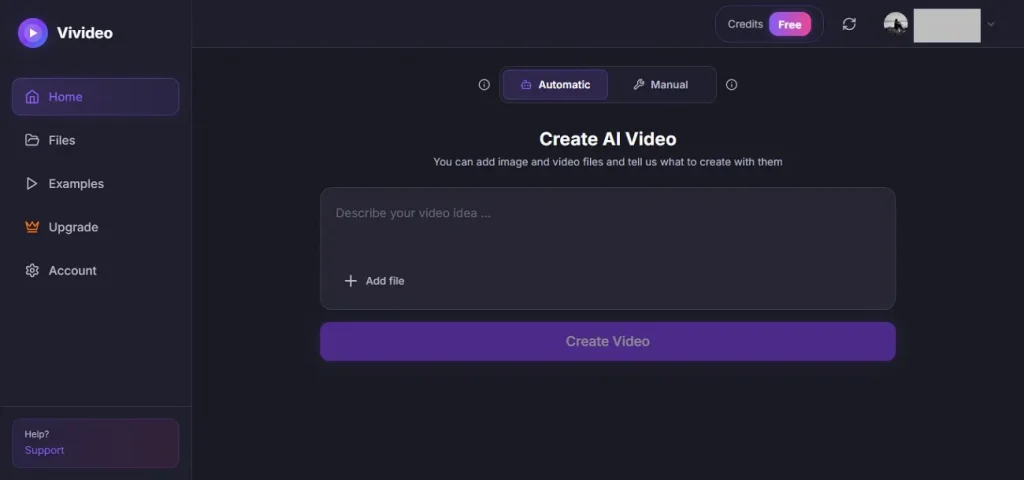
Optimized for quick content creation, Vivideo uses AI to convert prompts, images, or scripts into animated video clips. The platform includes scene templates and social video editing tools. It simplifies the generation pipeline into a few prompt-driven steps. The tool operates as a free, no-limits AI video generator for producing short promotional videos, reels, or explainer clips.
Key Features
- 2 modes, automatic and manual, are offered by the tool for video creation.
- AI models like Veo 3 and Sora 2 are integrated for generating high-quality results.
- Multiple duration and resolution options are offered for users to select from.
Pros
- Designed for quick video creation workflows that minimize manual editing.
- Supports flexible export settings to optimize videos for different platforms.
Cons
- The platform provides fewer advanced editing tools after generation.
- Output resolution options may be limited depending on the generation mode.
6. Novi AI
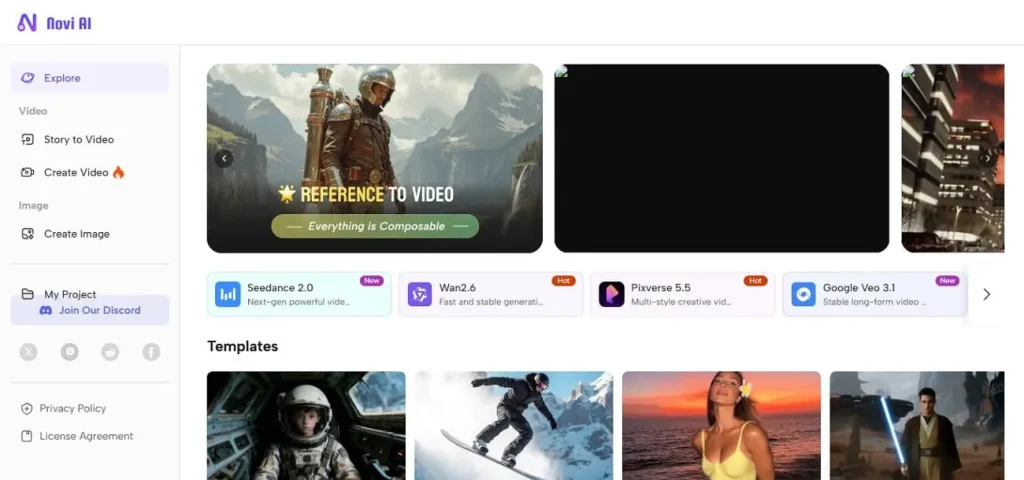
Tailored for automated storytelling, Novi AI converts text prompts into complete video scenes with AI-generated characters. It supports script-to-video workflows and voice narration generation. With prompt-based control over styles and animation themes, the system enables quick multimedia production. It works as an AI video generator, free, no sign-up, no limits option for generating social media visuals.
Key Features
- The platform offers various templates to aid you kick-start your creations.
- Story to video feature lets you convert stories into visuals effortlessly.
- Reference to the video feature converts an image or video into enhanced visuals.
Pros
- Offers customizable visual themes to match different styles or branding needs.
- Generates scene transitions automatically, helping create storytelling videos.
Cons
- Video style variations may not be as extensive as those offered by larger AI video tools.
- The platform may require multiple prompt adjustments to achieve the desired results.
7. Fotor
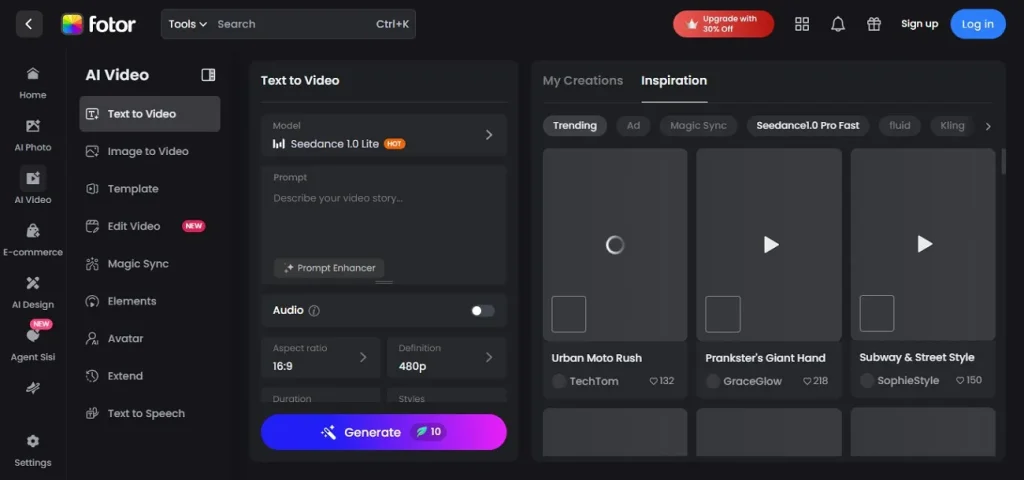
Powered by advanced generative models like Veo and Sora-style systems, Fotor’s AI video generator converts text prompts or uploaded images into animated video scenes. It can animate single photos, merge multiple images into a cohesive story, and produce videos in different artistic styles. This capability makes it an online AI image to video generator free no limits solution for creative content production.
Key Features
- You can integrate audio files into videos while generating.
- Users can select the video's aspect ratio and duration based on their preferences.
- Fotor offers multiple resolution options for users to choose from.
Pros
- Provides a user-friendly interface for those who want simple AI-powered creation.
- Integrates image editing tools alongside video generation.
Cons
- The tool is primarily optimized for short visual clips rather than long videos.
- Free users may encounter export restrictions or limited generation credits.
8. Dreamlux
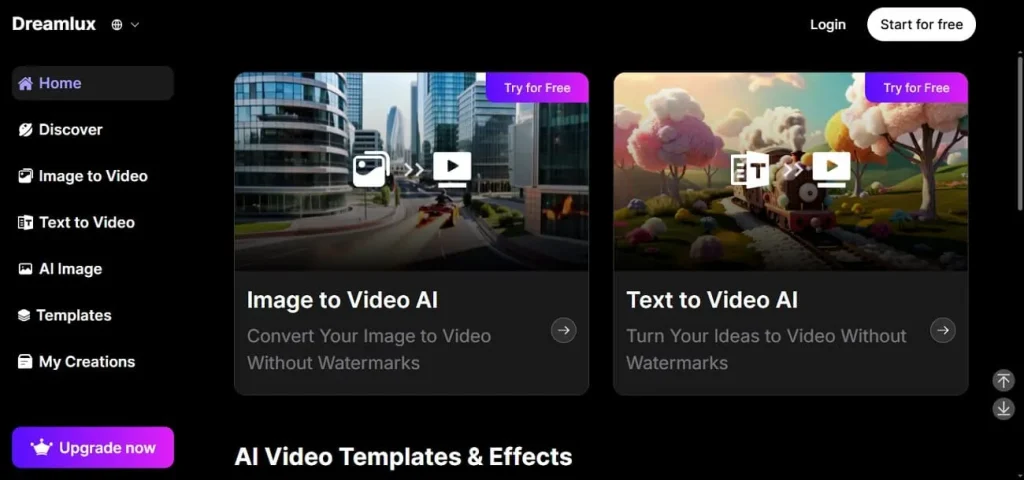
Dreamlux generates stylized video clips from prompts or images using generative diffusion models. The platform provides scene generation and style presets that emulate cinematic lighting or digital art aesthetics. With its prompt-driven interface and automated scene rendering, it functions as a free AI video generator with no limit tool for creators exploring experimental storytelling.
Key Features
- Dreamlux offers numerous templates and effects that users can integrate into their creations.
- Users can also generate Ghibli art with this tool.
- The muscle video generator lets you generate trending muscle videos from social media posts.
Pros
- Offers creative style presets inspired by cinematic and digital art aesthetics.
- Encourages experimental visual storytelling through AI-generated artistic effects.
Cons
- Rendering high-quality AI visuals may take longer depending on system demand.
- Video duration options are relatively short compared to those in traditional editors.
9. FlexClip
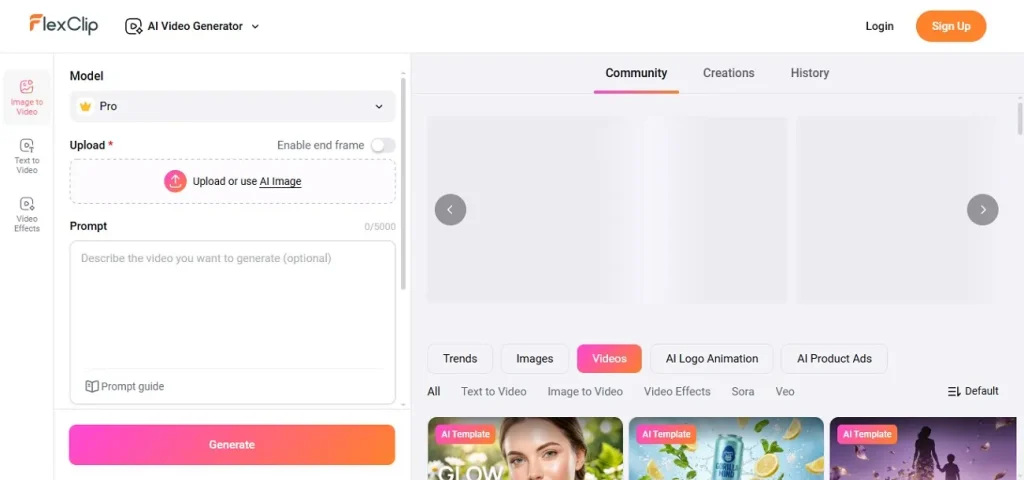
The tool enables users to create videos from text prompts, images, or templates while automatically generating visuals. The system integrates multiple AI models and supports aspect-ratio control with quick editing tools. With additional timeline editing and media libraries, it works as an AI video generator free no limit platform for producing marketing videos and tutorials.
Key Features
- You can upload an already existing image or ask AI to generate an image for reference.
- The prompt guide allows you to generate text prompts using AI.
- Multiple visibility options are available for your generated content.
Pros
- Provides a large stock media library that creators can incorporate into their projects.
- Supports quick timeline adjustments, allowing users to rearrange scenes efficiently.
Cons
- The free plan includes watermarks and export limitations.
- Longer video projects can become difficult to manage due to limited duration options.
10. Kapwing
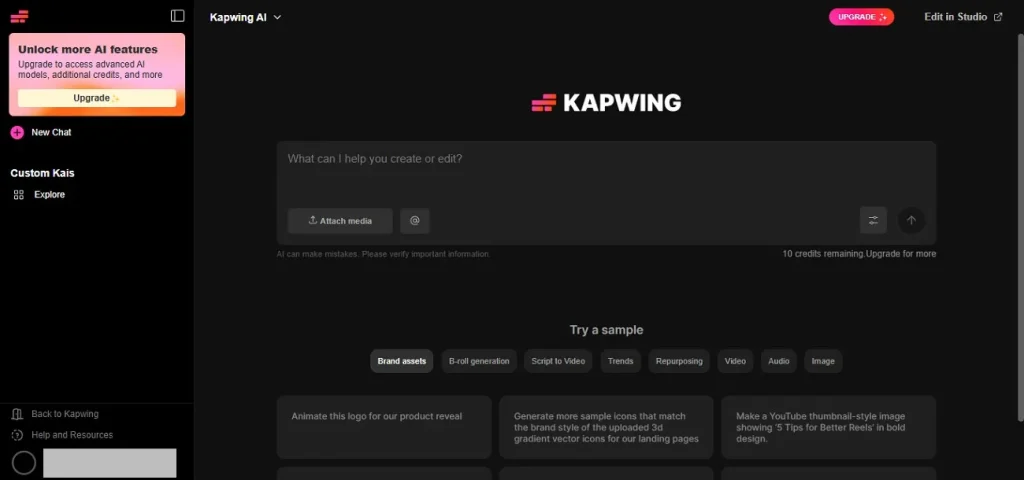
This AI video generator transforms prompts, images, or scripts into structured video clips with storyboard previews before generation. It supports text-to-video, image-to-video, and timeline editing in a single workflow. With multiple generative models integrated into the editor, it serves as a free, no-limit AI video generator option.
Key Features
- The video repurposing feature lets you transform and customize video content for different platforms.
- Multiple video generation models, such as Seedance 2.0 and Kling Omni, are offered by the tool.
- Users can also add multiple effects and filters to the video to enhance visuals.
Pros
- Includes cloud-based project storage, allowing users to access and continue editing projects.
- Provides automatic resizing tools for adapting videos to different social media platforms.
Cons
- Some AI features depend heavily on prompt quality for good results.
- Advanced generative video capabilities are still evolving compared with newer specialized AI tools.
Tabular Comparison of the Top AI Video Generators No Sign Up
Below is a feature comparison table of the listed AI video generators. This side-by-side comparison will help you make an informed decision:
| Tool | Video Generation Type | Max Video Duration | Key AI Features | Editing & Customization |
| MagicLight AI | Script-to-video, text-to-video, image-to-video, story-to-video and more | Up to 50 minutes | Voiceover generation, subtitle generation, lip sync, voice cloning, and AI background music | Storyboard workflow with character consistency and scene control |
| Upsampler | Text-to-video, image-to-video | Short clips | Multiple AI generation models, AI upscaling, image animation | Limited editing |
| Pixelbin | Image-to-video automation | Short clips | Media optimization, automated transformations, batch outputs | Limited editing |
| VEED.io | Prompt-to-video | Short clips | AI subtitles, voiceovers, script assistance | Full online editor |
| Vivideo | Prompt-to-video, image-to-video | Short clips | Multiple AI models, automatic and manual creation modes | Basic editing tools |
| Novi AI | Story-to-video, prompt-to-video | Short clips | AI characters, voice narration, style presets | Limited editing |
| Fotor | Text-to-video, image-to-video | Short clips | Style-based generation, image animation, multiple resolutions | Limited editing |
| Dreamlux | Prompt-to-video, image-to-video | Short clips | Cinematic styles, artistic presets, trending content generators | Limited editing |
| FlexClip | Text-to-video, template-based video | Short clips | AI prompt generator, multi-model generation | Timeline editing |
| Kapwing | Text-to-video, image-to-video | Short clips | AI storyboard preview, multiple video models | Collaborative editing timeline |
Conclusion
To wrap it up, this article provided a review of the top free AI video generator with no limits. While each tool has its strengths, MagicLight AI stands out for long-form storytelling, advanced audio features, and consistent scene management. Its ability to generate videos up to 50 minutes, combined with voiceover, makes it the best choice for creators seeking professional, complete AI video production.
FAQs on AI Video Generator Free No Sign Up No Limits
1. Are free AI video generators really unlimited?
Most free AI video generators have limitations on video length, resolution, or export options. MagicLight AI, however, allows long-form video creation up to 50 minutes with no strict usage limit.
2. Can I use AI video tools without a watermark?
Many free AI video generators add watermarks on exports to promote their paid plans. Some tools, like MagicLight AI, offer watermark-free downloads for certain tiers or trial periods.
3. Are these tools safe to use online?
Reputable AI video generators, including MagicLight AI, use secure cloud servers and encryption to protect user data. Always avoid sharing sensitive personal content on platforms without clear privacy policies.
4. Can I use AI videos for YouTube monetization?
AI-generated videos can generally be monetized on YouTube as long as you have full rights to the content. Avoid using copyrighted assets from other sources to prevent strikes or demonetization.
5. Which tool is best for beginners?
MagicLight AI is ideal for beginners due to its intuitive storyboard workflow and prompt-driven video generation. Its built-in voiceover, subtitles, and scene management make it easy for users to create professional-looking content.





![How to Write a Script for a Video 2026 [Full Guide]](https://blog-new.magiclight.ai/wp-2/wp-content/uploads/video-script-writing-setup-300x199.jpg)