


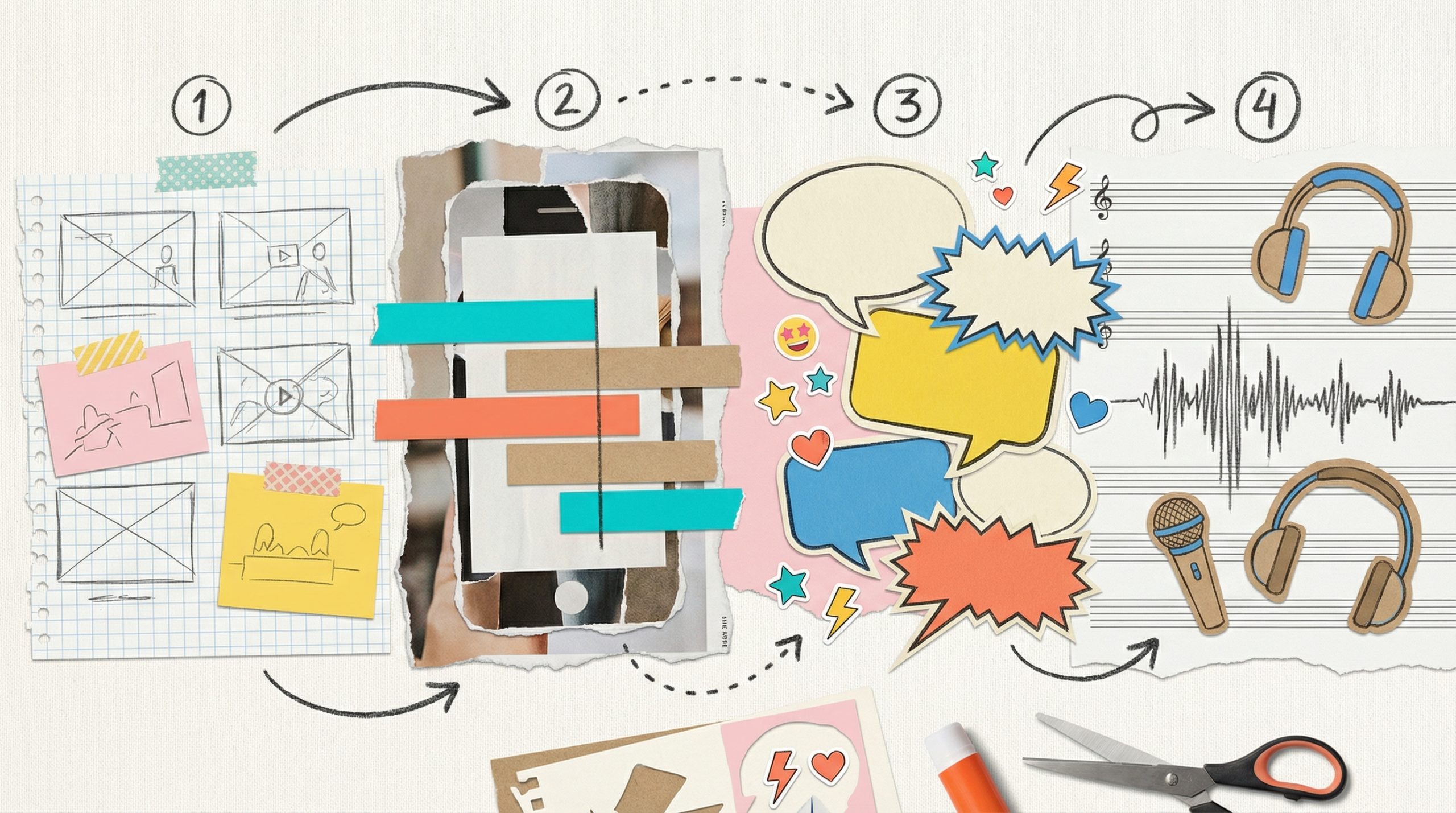
If you’ve spent any time in a creator community lately, you’ve heard the question: "Can ChatGPT create AI videos?" In the early days of generative media, the answer was a flat "no"—you’d get a wall of text, a few decent jokes, and maybe a recipe for banana bread. But as we move through 2026, the lines between "chatting" and "creating" have blurred to the point of total confusion.
The short answer is: ChatGPT cannot render a video file itself, but it has become the "Brain" behind almost every viral AI video you see today.
To understand how to actually use an LLM (Large Language Model) to build a media empire, you have to understand the difference between the Scriptwriter and the Engine.
Why ChatGPT Can’t Render (Yet)
Despite the rapid expansion of AI utility that Stanford HAI experts predicted for this year, ChatGPT remains a text-based model at its core. While it can describe a scene with breathtaking detail, it doesn't possess the specialized GPU clusters required to actually calculate pixels, lighting, and 3D physics in a video file.
- ChatGPT is the Architect: It designs the blueprint, writes the dialogue, and suggests the camera angles.
- MagicLight is the Builder: It takes that text, understands the intent, and renders the high-fidelity cartoon video generator output or realistic cinematic frames.
If you ask ChatGPT to "make a video," it will likely give you a script or code. To get a video, you need a bridge.
The 2026 Reality: Directing via Prompt
In 2026, the most successful creators aren't the ones who know how to code; they are the ones who know how to "talk" to the machine. This is why the question "Can ChatGPT create AI videos?" is so persistent—because the workflow feels exactly like a conversation.
When you use a professional suite like MagicLight, you are interacting with an interface that feels as intuitive as a chat window. You aren't manually dragging keyframes; you are describing a vision.
However, there is a legal trap here that every freelancer and editor needs to be aware of before they start billing clients for AI content.
The "One-Click" Warning: The U.S. Copyright Office has stayed remarkably firm on one rule: Prompts alone do not constitute human authorship.
If you simply copy a prompt from ChatGPT and paste it into a video generator without any further modification, you do not own the copyright to that video. It effectively enters the public domain, meaning anyone can legally re-upload it and monetize it themselves.
Phase 1: Use ChatGPT as your Narrative Engine
If you want to build a sustainable channel, you shouldn't ask ChatGPT to "write a viral video." You should use it as a collaborator to solve the "Blank Page" problem.
- Developing the Storyboard: Ask the LLM to break your idea into a scene-by-scene script.
- Refining Character Profiles: Define your protagonist’s physical traits in text so that when you move to the generation phase, you can maintain ai consistency across every shot.
- Optimizing for SEO: Use the chat interface to generate keyword-rich titles and descriptions that satisfy the 2026 "retention engineering" requirements of the YouTube algorithm.
Phase 2: From Script to Screen—The MagicLight Integration
Once you have a structured narrative from ChatGPT, the real work begins. To transform text into a professional asset, you must bridge the gap between the "narrative brain" and the "visual engine". In 2026, the most efficient workflow involves treating ChatGPT as your writer and MagicLight as your studio.
- Scene-by-Scene Generation: Take your ChatGPT storyboard and input each scene into the MagicLight interface. This ensures that the visual output matches the specific tone and camera angles your "AI Architect" designed.
- Maintaining "AI Consistency": Use the character profiles you defined in the text phase to lock your protagonist’s physical traits. This prevents the "shape-shifter" problem where characters look different in every render.
- The Audio Connection: ChatGPT can write the dialogue, but MagicLight's AI lip-sync tool makes it believable. By aligning the synthesized voiceover with the character's mouth physics, you remove the "uncanny valley" effect that kills viewer retention.
The "Multiplier Effect": Scaling One Idea Across 2026 Platforms
The biggest advantage of using ChatGPT as your starting point is its ability to reformat one concept into a dozen different assets. In a high-speed media environment, you shouldn't just create one video; you should create an ecosystem.
- The Long-Form Anchor: Use the detailed script to build a 10-minute visual essay for YouTube.
- The Vertical Harvest: Ask ChatGPT to extract three "hooks" from that script to create 60-second Reels or TikToks.
- Social Proof: Generate a keyword-rich LinkedIn summary or a series of educational X (Twitter) threads to drive traffic back to your main video.
Mastering the Hybrid Workflow
So, can ChatGPT create AI videos? Not by itself. But in the era of agentic AI, it is the most powerful "Producer" you have. By using it to solve the creative friction of writing and planning, and then offloading the heavy visual lifting to MagicLight, you can produce studio-quality work at the speed of thought.
The gate to becoming a media mogul is no longer guarded by expensive equipment; it's guarded by how well you can direct the AI tools at your fingertips.
Sources and Tools for AI Video Creation
- ChatGPT Plus: The primary interface for converting high-level ideas into scene-by-scene AI storyboards and narrative scripts.
- MagicLight Story-to-Video: A specialized suite for transforming text storyboards into high-fidelity video clips.
- MagicLight Lip-Sync Suite: An essential tool for synchronizing character mouth physics with generated audio to remove the "uncanny valley" effect.





![How to Write a Script for a Video 2026 [Full Guide]](https://blog-new.magiclight.ai/wp-2/wp-content/uploads/video-script-writing-setup-300x199.jpg)