Sharing your content on Instagram Stories is a fantastic way to showcase your workflow, but passive viewing will not grow an active community. To build a dedicated following around your digital art, you need to turn your viewers into participants.
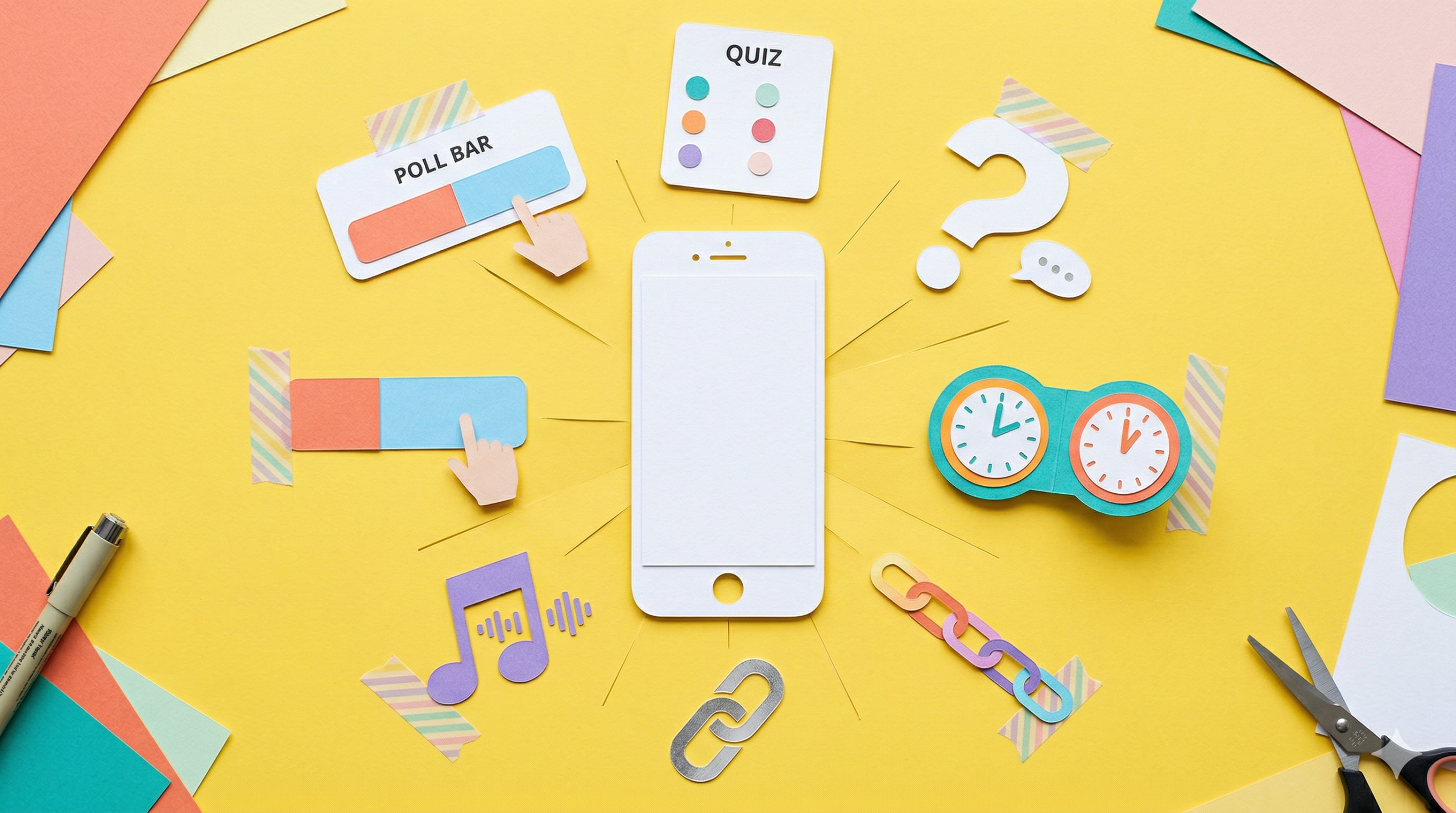
When you share a photo or video to your story, you can access a suite of interactive tools by tapping the Stickers icon at the top of the screen. Rather than just posting your finished products, here is how you can leverage these native Instagram features to drive conversation and boost your engagement metrics.
Prompting the Instagram Community with 'Add Yours'
One of the most powerful tools for viral reach on Instagram is the Add yours sticker. Instead of simply showing off your work, you can write a prompt for others to share their own stories about any topic you choose, such as an AI generation challenge or a specific aesthetic.
When your audience views the story, they can tap the sticker to add their own story and contribute their content to the chain. If the trend takes off, you can tap the prompt to see all the stories that other users have added. As the originator, you maintain control; you can tap the options menu at the top of your screen to turn off notifications or hide your username from the "Started by" credit.
Gathering Feedback via Polls and Quizzes on Instagram
If you are testing different rendering styles and want audience feedback, let them decide the winner. You can write your own question and customize the answers using a poll sticker. Viewers can tap an option or slide your chosen emoji to cast their vote. Once the story is posted, people can vote and watch the results update in real time.
For a more gamified approach, you can use the quiz sticker to write a multiple-choice question and customize the potential answers. Your followers can vote and immediately learn whether they guessed correctly. For both of these features, you can swipe up on your own story to see the total vote counts and discover exactly how each person voted.
Sourcing IG Ideas with the Questions Sticker
When you run into creator's block, your audience can be your best resource. The questions sticker allows you to write a custom prompt—like asking for bizarre AI generation ideas—and lets people type a text response or send you a song.
Anyone who can see your story can tap the sticker to submit their ideas. To review the submissions, simply swipe up on your own story. When you find a great idea, you can tap a response to share it publicly to your story; Instagram will keep the submitter's photo and username hidden to maintain their anonymity.
Directing Traffic and Building Hype on Instagram
If you are launching a major video project or a new tutorial, the countdown sticker is perfect for building anticipation. You can enter a countdown name, set the exact date and time it ends, and edit the text color using the color picker. Your followers can tap the arrow in the corner of the countdown to share it to their own story or set a reminder for themselves. When the countdown ends, you and everyone who turned on reminders will receive a direct notification.
Finally, to drive traffic directly to your external projects, simply enter your target URL into a link sticker. Before you publish, you can tap "See preview" below the link to verify exactly what it will look like when someone opens it.
IG Customization with Cutouts and Music
To make your Instagram content truly unique, you can build your own digital assets using the cutouts feature. This tool allows you to create custom stickers from your own photos in your camera roll, or from eligible images you find on Instagram.
To finish off your story, you can select a song or search for a specific track at the top of the music menu. If lyrics are available for the song, you can edit which part of the track plays and choose from different fonts and visual designs to complement your content.