Generating a breathtaking piece of AI art is a great achievement, but exporting it from your generation tool is only step one. The real challenge for digital creators is getting that artwork onto the Instagram feed without sacrificing its visual integrity.
Because AI image generators often output files in massive dimensions or unconventional shapes, uploading raw files directly to Instagram can result in aggressive cropping or severe compression. To ensure your AI content looks as crisp on the Instagram grid as it does on your monitor, you need to follow Instagram’s specific formatting rules for resolutions, aspect ratios, and carousel posts.
Tip 1: Optimize AI Image Resolution for Instagram
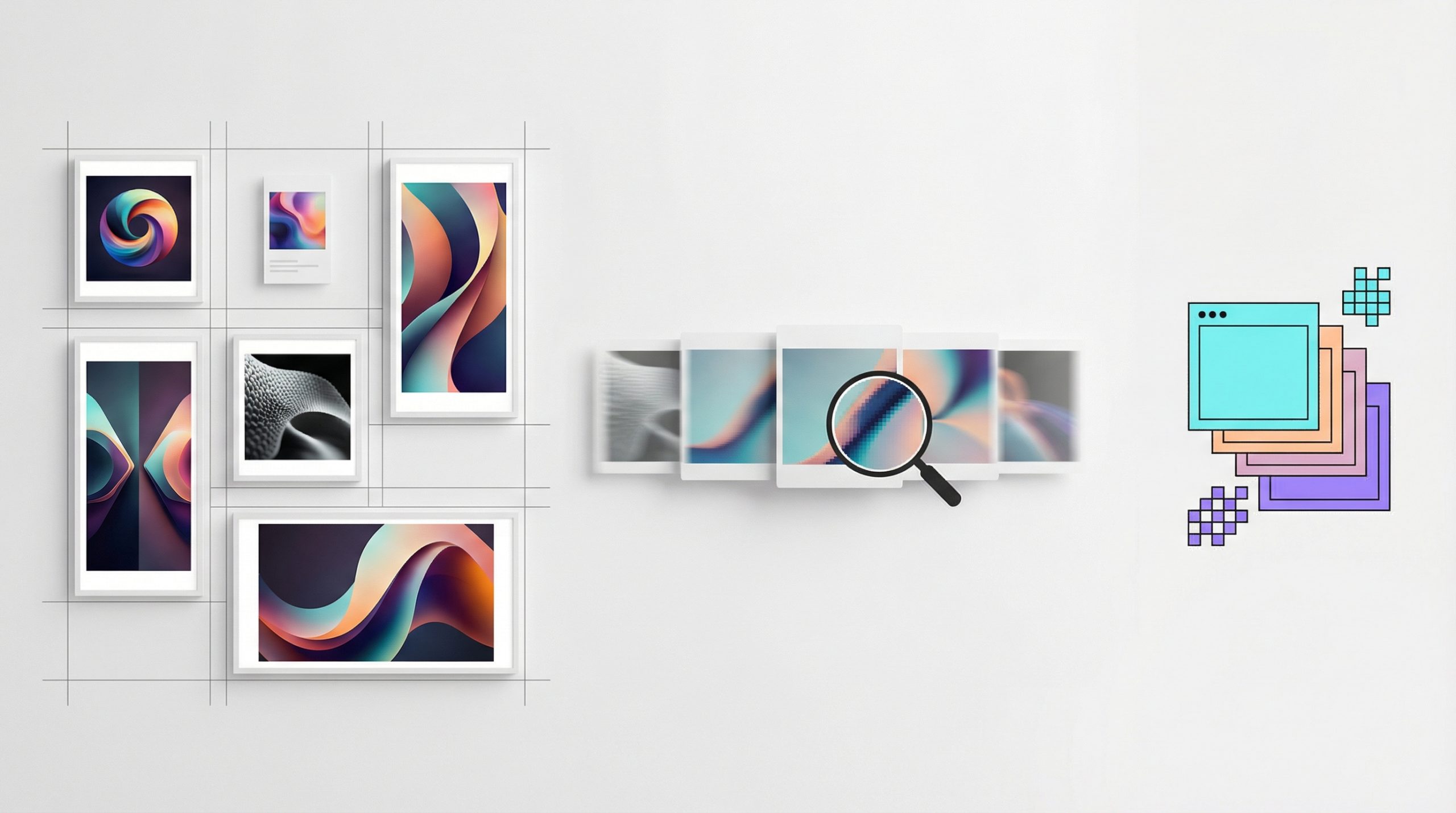
When you upload AI-generated imagery to Instagram, the platform’s algorithm automatically processes the file to fit its network constraints. If you want to maintain the highest possible quality for your AI art on Instagram, you should aim to share your photos at the best resolution possible, which Instagram caps at a width of 1,080 pixels.
If your AI image generator outputs a file larger than this, Instagram will automatically size it down to a width of 1,080 pixels. Conversely, if you upload a low-resolution AI generation that is smaller than 320 pixels wide, Instagram will enlarge it, which can cause your artwork to look pixelated or blurry.
Beyond just the pixel count, your AI artwork must fit within a supported aspect ratio to avoid being automatically cropped by Instagram. The platform preserves the original resolution of your file only if the aspect ratio falls between 1.91:1 and 3:4. If your AI landscape or portrait extends beyond these boundaries, Instagram will force a crop to make it fit within a supported ratio.
Tip 2: Showcase AI Variations with Instagram Carousels
AI creators rarely generate just one good image per prompt. If you have multiple variations of a character design or a step-by-step progression of your AI workflow, you can upload up to ten photos and videos as a single carousel post to your Instagram feed.
When creating a carousel on Instagram, you can select multiple AI files from your computer and use the interface to adjust how each individual photo fits within the frame. However, there is a crucial formatting rule for Instagram carousels: the orientation you select for the very first image—whether it is square, portrait, or landscape—will dictate the format for every subsequent photo or video in that specific Instagram post. Because you cannot mix and match orientations within a single carousel, it is highly recommended to pre-crop all of your AI variations to the exact same aspect ratio before uploading them to Instagram.
Tip 3: Add Context with Instagram Captions and Locations
Before you finalize your post on Instagram, adding contextual elements is vital for algorithm discovery and audience accessibility.
When you upload your AI photo or video, you have the opportunity to write a caption explaining your prompt engineering process or the story behind the art. Within this same menu, Instagram provides an Accessibility option where you can write alternative text. This is a great place to accurately describe the visual contents of your AI artwork for visually impaired users.
Finally, you can tag a specific location to your Instagram post to increase its discoverability. Once you search for and select your desired location, it will be attached to your post, meaning anyone who taps that location tag on Instagram can see your AI content alongside other media tagged in that same geographic area.
Mastering the Instagram Upload
Publishing your AI artwork should not mean compromising on quality. By understanding how Instagram processes resolutions and aspect ratios, you can ensure your digital art looks flawless on the feed. Whether you are sharing a single masterpiece or a multi-image carousel, formatting your files correctly before hitting upload is the secret to a professional Instagram presence. Combine that technical precision with engaging Instagram captions and strategic location tags, and your AI content will be fully optimized to capture the attention of the wider Instagram community.