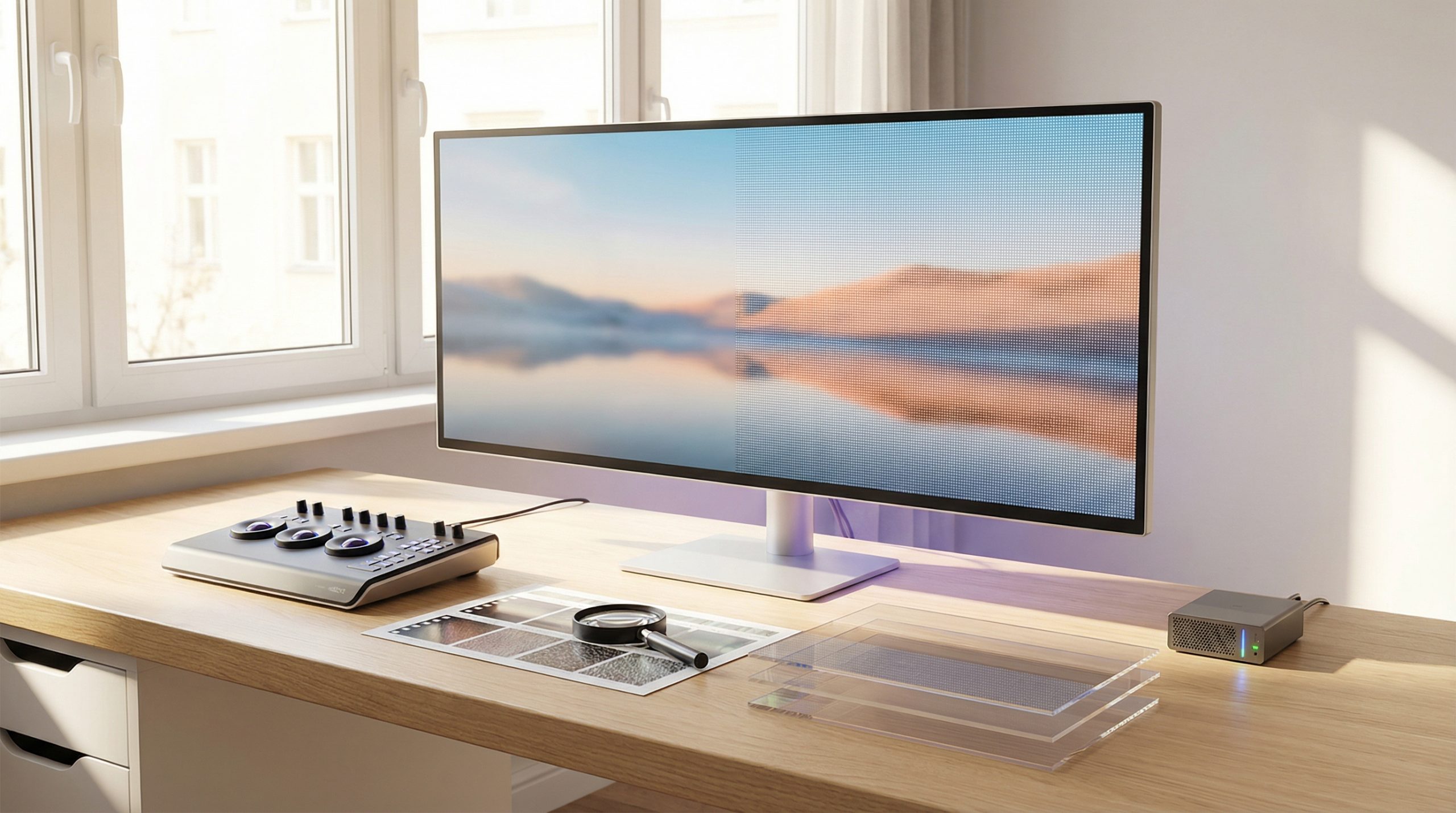
In 2026, the baseline for "professional" video on platforms like YouTube has officially shifted to 4K resolution. While many AI generator tools natively output at 720p or 1080p to save on processing time, uploading these raw files can lead to a soft, "plastic" look when viewed on larger screens.
To compete with high-budget studio content, you must master the technical workflow of upscaling—the process of using artificial intelligence to add pixels and detail to your raw renders without introducing artifacts.
Does 4K resolution even matter for YouTube SEO? (Spoiler: Yes)
High-resolution content isn't just about aesthetics; it is a direct signal to the YouTube algorithm.
The "4K" Search Badge: YouTube adds a specific "4K" badge to high-resolution videos in search results, which significantly increases click-through rates (CTR).
Encoding Priority: YouTube grants higher bitrate encoding to 4K uploads, meaning your video will look crisper even if the viewer is watching in a lower resolution like 1080p.
Future-Proofing: Content in 4K (3840 x 2160) is considered "Elite" evergreen material, ensuring your channel maintains its professional standard as display technology continues to improve.
Evaluating your raw AI render for "generative slop"
Before you commit processing power to an upscale, you must audit your raw file to ensure it's worth the investment. Upscaling an inherently flawed video will only magnify the mistakes.
You should look specifically for motion artifacts like flickering or "melting" faces, as these become jarringly obvious at higher resolutions. It is also vital to verify AI consistency across your scenes; if your protagonist is a "shape-shifter" in 720p, they will be a high-definition distraction in 4K. Finally, check for foundational textures in hair, skin, or fabric, as high-quality upscalers need these anchor points to effectively enhance the image.
Selecting the right AI models for pixel reconstruction
In 2026, upscaling is no longer a simple "pixel stretching" exercise; it is an AI-driven reconstruction of the image. Your choice of model should match the specific visual language of your channel.
For cinematic or photorealistic renders, use models that prioritize environmental lighting and skin textures. If your brand focuses on 3D cartoons, select animation-specific models that are optimized to keep borders sharp and colors flat, preventing the "halo" effect often seen around character edges. If your initial AI generator output is particularly grainy, ensure your workflow includes a dedicated de-noise pass before you attempt the final pixel expansion.
Managing the "Zero-Artifact" upscaling workflow
The greatest technical risk in 4K upscaling is the introduction of digital artifacts—synthetic errors created when the AI guesses missing data incorrectly. To achieve a studio-quality finish, you must follow a strict "Zero-Artifact" protocol to keep the output looking natural.
Key technical checks for your workflow include:
- Sharpening Limits: Avoid setting sharpening values too high, which creates artificial "white edges" around your characters.
- Segmented Processing: Large "Elite" files should be processed in short clips to prevent GPU memory errors and maintain quality across a 15-minute runtime.
- Frame Audits: High-resolution upscaling can occasionally cause micro-flickers; review the final render frame-by-frame to ensure motion remains smooth.
Exporting for the YouTube 2026 encoder
Once the render is finished, your export settings dictate how the platform's machine readers will treat your file. To maximize your YouTube SEO, use an exact resolution of 3840 x 2160 pixels. Use the H.265 (HEVC) or AV1 codec to ensure superior quality and smaller file sizes compared to the aging H.264 standard. Finally, stick to Rec. 709 or HDR (Rec. 2020) color spaces to ensure your visuals look vibrant on modern mobile screens and smart TVs.
Upscaling is the final bridge between an "AI experiment" and a "professional media asset". By taking the time to audit your raw renders and managing your technical settings, you can deliver a 4K experience that satisfies both human viewers and the recommendation algorithm.
Sources and Tools for 4K Upscaling
To maintain a professional standard and ensure your AI video renders meet the "Elite" 4K criteria for 2026, utilize these verified technical resources and tools:
- Handbrake (AV1/H.265): A free, open-source transcoder used to compress high-resolution files into modern H.265 or AV1 codecs for superior quality and faster YouTube uploads.
- High-Resolution Encoding Whitepaper: Official Google documentation providing recommended bitrates and settings for 4K and HDR uploads to maximize YouTube's encoding priority.
![15 Top Cartoon Characters of All Time [New List]](https://blog-new.magiclight.ai/wp-2/wp-content/uploads/top-cartoon-characters-300x168.webp)
![9 Best AI Video Generation Models in 2026 [Easy Selection]](https://blog-new.magiclight.ai/wp-2/wp-content/uploads/best-ai-video-generation-models-300x168.webp)