In 2026, the biggest challenge for creators isn't just making one great video; it’s making them consistently enough to satisfy the YouTube algorithm's demand for fresh content. The goal of a professional YouTube content planning strategy is to move away from "crunch time" production and toward a system of "strategic ease," where tools and workflows do the heavy lifting for you.
To build a sustainable channel, you need a roadmap that prioritizes YouTube SEO and session time without requiring you to spend 80 hours a week in an editing suite.
Phase 1: Establishing Your Content Pillars
A successful planner begins with "Content Pillars"—recurring themes or formats that your audience can rely on. Instead of starting from a blank page every Monday, you should categorize your channel into three distinct areas that balance quick production with high-value deep dives.
The "Elite" Pillar: These are your 10-to-15 minute long-form narrative stories or documentaries. They are designed to maximize session time and are your primary engine for brand authority.
The "Evergreen" Pillar: These are the searchable, educational guides that solve specific viewer problems. Because they answer direct search queries, they provide a steady baseline of traffic for years.
The "Shorts" Pillar: These are 50-to-60 second clips harvested from your longer videos. They act as the "hook" to drive new viewers into your ecosystem.
Phase 2: Build the "AI-Native" Production Schedule
Traditional planning involves separate blocks for writing, filming, and editing. In an AI-native workflow, these stages are compressed. A professional YouTube content planner leverages an AI generator to bypass the "production bottleneck" of traditional filming.
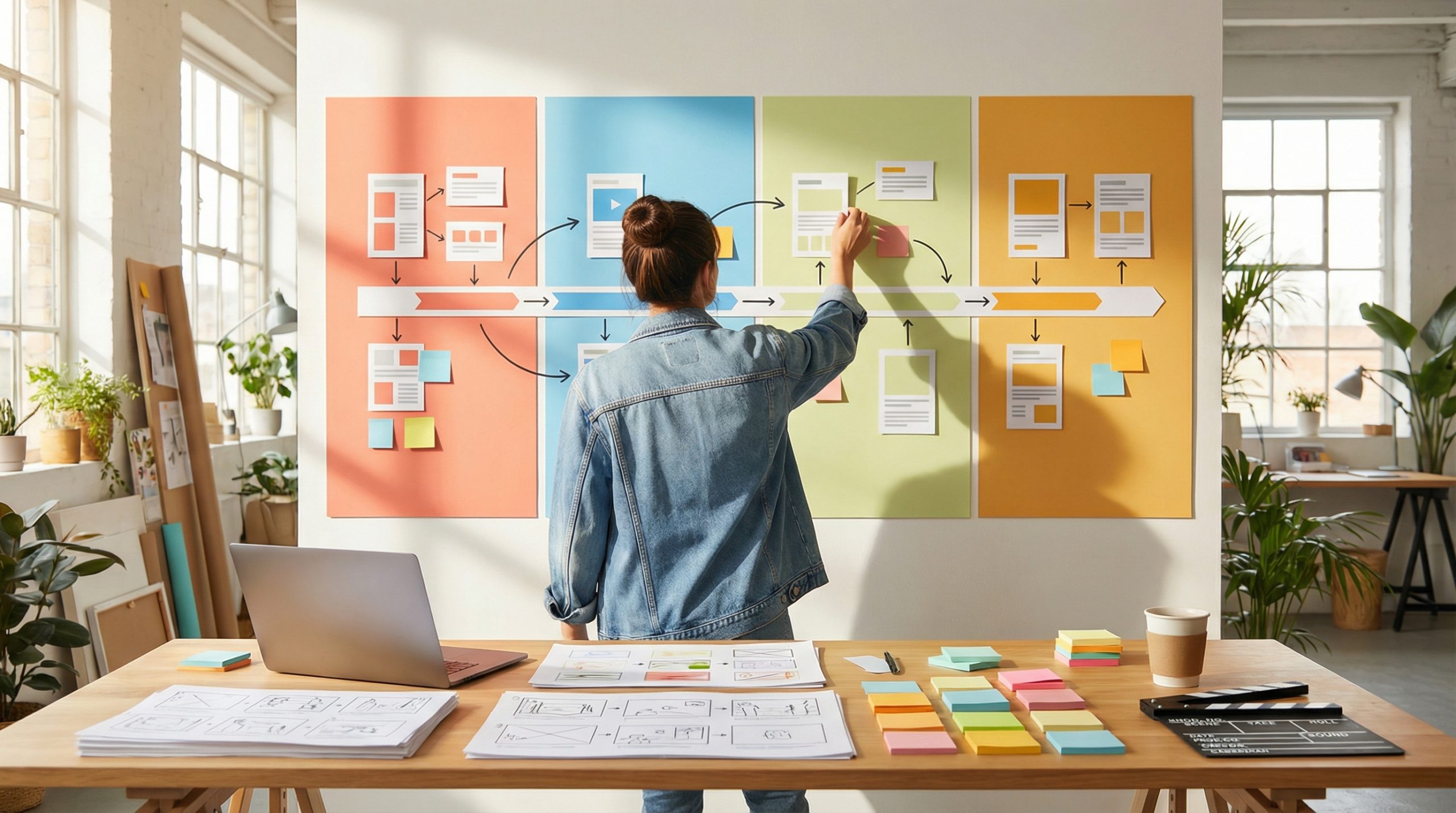
- Scripting for the Machine: Use an LLM like ChatGPT to expand your initial idea into a scene-by-scene storyboard. This provides the blueprint for your AI production tool to follow.
- Batch Generation: Instead of making one video at a time, generate all the visual assets for your next three videos in a single session. This keeps your visual branding consistent and allows you to focus purely on the "director" role.
- The "Mobile Assembly" Block: Use a mobile suite like the YouTube Create app to stitch your generated scenes together during "dead time" (like commutes). This removes the friction of needing to sit at a desktop for hours.
Phase 3: SEO Metadata and Retention Architecture
A professional YouTube content planner does not stop at the video file; it includes a blueprint for how the platform’s "Machine Readers" will categorize the content. To dominate YouTube SEO, your plan must include specific metadata triggers that signal value to the algorithm before a single human click occurs.
Keyword-First Titling: In your planner, draft titles that place the primary keyword in the first half of the string. This prevents the most important SEO data from being truncated on mobile screens.
The "Contextual" Description: Use the first 125 characters of your description as a "mini-blog" that summarizes the video’s utility. This area is what search engines index to determine search intent.
Chapter Mapping: For every video over 5 minutes, your planner should include timestamps. This allows Google to index individual segments of your video in standard web search results, effectively multiplying your discoverability.
Phase 4: Distribution and "Session Time" Loops
The ultimate goal of your planning is to move a viewer from one video to the next, trapping them in your ecosystem. This "multiplier effect" is what forces the algorithm to push your channel into the "Elite" category.
End-Screen Strategy: Do not just suggest a random video at the end. Plan your content in series so that the end screen of "Part 1" drives the viewer directly into "Part 2".
Playlist Curation: Group your evergreen and elite content into topical playlists. This automates the next play, ensuring the user stays on the platform—which YouTube rewards with higher rankings.
The "Shorts-to-Long" Funnel: Use your YouTube Shorts pillar to create 50-second "teasers". Use the related video feature to link these Shorts directly back to your 10-minute master assets, turning quick discovery into long-form session time.
Final Tips to Increase your YouTube Output with a Proper Planning System
Strategic ease is the difference between a hobby and a professional media business. By establishing clear content pillars, batch-generating your visual assets with an AI generator, and architecting your metadata for both humans and machines, you create a self-sustaining growth loop. The successful creator in 2026 is not the one who works the hardest, but the one who has the most efficient system for delivering value at scale.
Sources and Tools for Planning Your YouTube Content
- Google Trends for YouTube: Vital for identifying searchable evergreen topics and SEO keywords.
- YouTube Chapters Documentation: Technical guide for mapping timestamps to improve search indexing.
- Notion Content Calendar: A template-driven system for managing YouTube content planning and batch production.
- ChatGPT Plus: For converting high-level ideas into scene-by-scene AI storyboards.

![15 Top Cartoon Characters of All Time [New List]](https://blog-new.magiclight.ai/wp-2/wp-content/uploads/top-cartoon-characters-300x168.webp)
![9 Best AI Video Generation Models in 2026 [Easy Selection]](https://blog-new.magiclight.ai/wp-2/wp-content/uploads/best-ai-video-generation-models-300x168.webp)