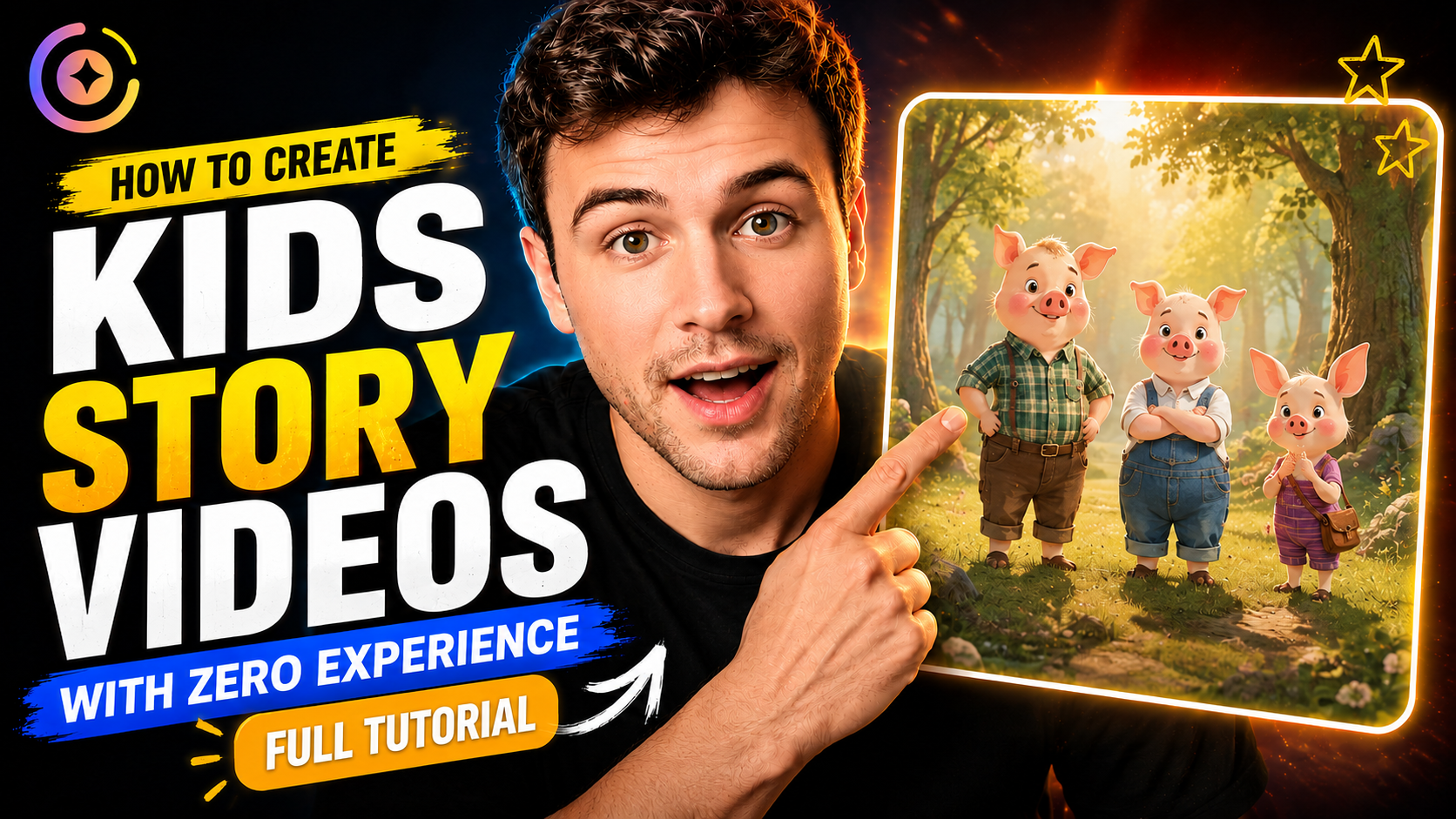
想自己做儿童故事动画,却不想写完整剧本、设计角色、录配音,也不想一镜一镜自己剪?
这条教程里,我们会演示怎么用 Magiclight 的 Kids Story,把一则简短的伊索寓言做成完整的三分钟动画视频——全程都在同一条工作流里完成。
先看完整视频学步骤,再复制下面的故事提示词,自己去 Magiclight 试一版。
你会做出什么
教程跟的是诚实樵夫的故事:他不肯认领不属于自己的金斧、银斧。诚实得到了奖赏,而贪婪的邻居想骗人,最后连自己的斧头也没了。
故事很简单,道理也很清楚:诚实会得到回报,贪婪和欺骗只会让你失去更多。
工作流走完,Magiclight 已经帮你写好剧本、设计角色、生成分镜图、做出动画片段、配好旁白和字幕、加上背景音乐,并剪出成片。
1. 先写一句短故事提示词
打开 Magiclight.ai,选择 Kids Story,输入你的故事想法。
你不用准备完整剧本。一段把人物、情节和结局说清楚的摘要,就够 Magiclight 扩写成完整脚本。
提示词
请把下面的英文提示词原样粘贴。
A woodcutter accidentally dropped his axe into a river. Having lost the tool he depended on to make a living, he burst into tears. The River God took pity on him and brought out a golden axe.
“Is this the axe you dropped?” the River God asked.
“No,” the woodcutter replied.
The River God then brought out a silver axe and asked the same question. Again, the woodcutter honestly answered, “No.”
Finally, the River God brought out the woodcutter’s own axe. The woodcutter immediately said that it was his. Impressed by his honesty, the River God rewarded him by giving him all three axes.
When the woodcutter’s neighbor heard what had happened, he became jealous. He deliberately threw his own axe into the river and pretended to cry. When the River God appeared and showed him a golden axe, asking whether it was the one he had lost, the neighbor quickly answered, “Yes.”
The River God returned to the river and never appeared again. In the end, the greedy neighbor did not even get his own axe back.
2. 选好故事设置
教程里这一版,用下面这些设置:
- Visual Style: 3D Cartoon 3.0
- Aspect Ratio: 16:9
- Video Length: 3 minutes
- Story Model: A Gemini Flash model
- Voiceover: 选一个贴合故事语气的声音
教程推荐 3D Cartoon 3.0,颜色活泼,更适合儿童内容。故事扩写用的是 Gemini Flash 模型,这是创作者自己实测后的选择。
设置好之后,点击 Next。
3. 检查剧本和角色
Magiclight 会把短提示词扩成完整剧本,识别角色,并为每个角色生成造型。
往下走之前先看一遍角色。某个角色不对味,就从 Magiclight 的角色库里换一个,或者重新生成,直到样子对了。
4. 生成并修正分镜图
下一步,Magiclight 会给剧本里的每个镜头生成一张图。
进动画之前,认真看每一张。物件、角色或动作不对,就单独改那张图再生成。教程里有一镜,樵夫手里只有木柄,其实应该握着斧头。这一镜可以直接修,不用整条项目推倒重来。
图都过关后,点击 Next。
5. 给每一镜做动画
Magiclight 接着会把你确认过的图,变成动画视频片段。
平台里有 Seedance 2.5 这类视频模型,但这条 Kids Story 教程更建议试试 MiniMax H3:几分钟长的片子,画质和成本更平衡。
生成后预览每一段。某一条不行,可以单独重生成,或只改这段视频内容,已经满意的镜头不用动。
片段都就绪后,再点一次 Next。
6. 加字幕、配乐,完成成片
给故事选字幕样式和背景音乐。Magiclight 再把生成的片段剪成一条完整视频,旁白、画面、字幕和音乐都就位。
发布前预览成片,确认旁白、动画和配乐是搭在一起的。
Magiclight 还能给成片生成 YouTube 标题、简介和标签。如果你已经绑定 YouTube 账号,核对生成内容后,可以直接从 Magiclight 发布。
自己去 Magiclight 试一版
这就是教程里用到的完整工作流。
从上面的樵夫提示词开始,或者换成你自己的短故事。Magiclight 可以帮你扩剧本、设计角色、搭分镜、做动画,并在一个地方拼出成片。
打开 Magiclight.ai,进入 Kids Story,做你自己的动画故事。