


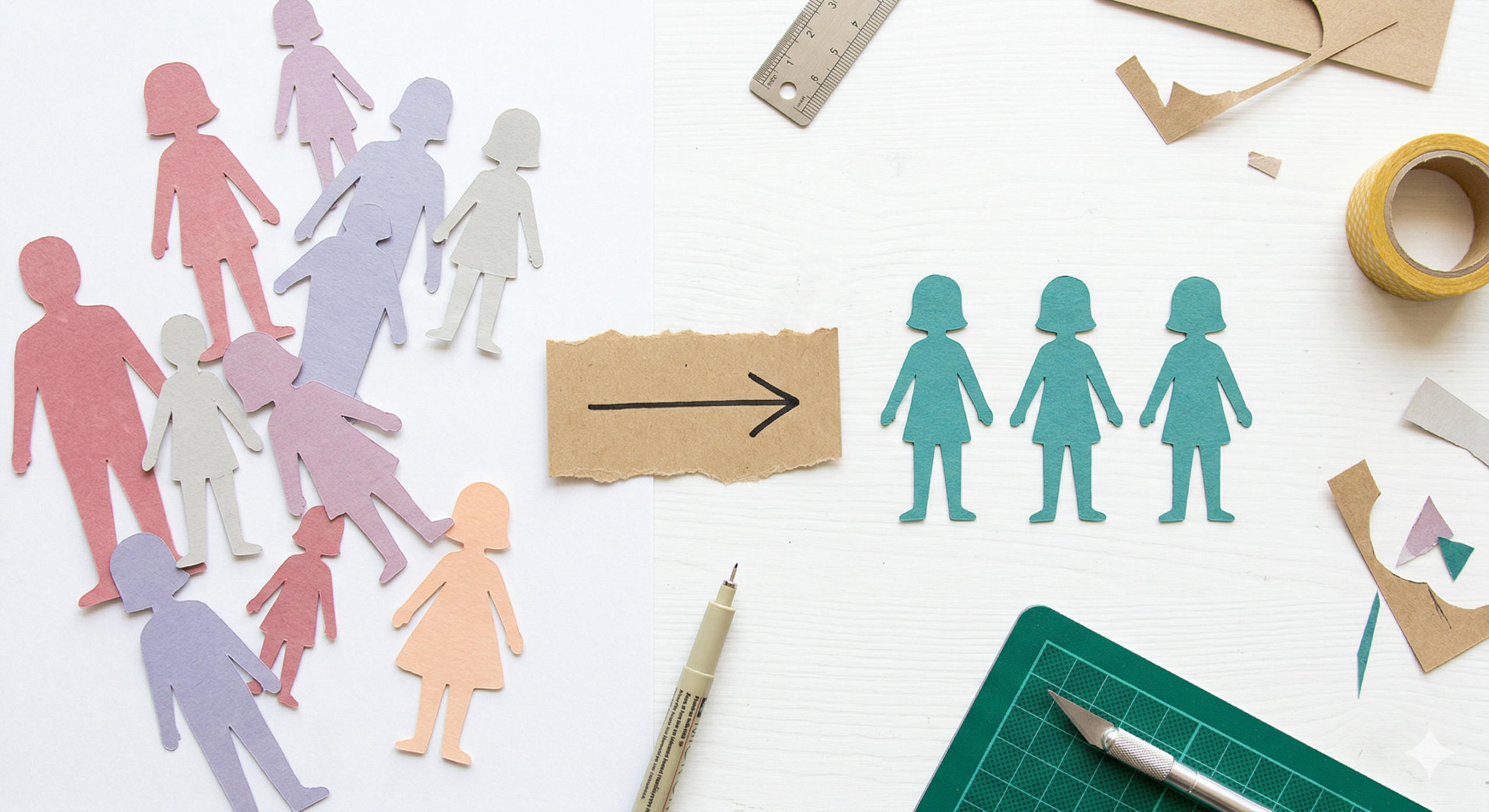
Every new creator has experienced the "Shape-Shifter” trap. You spend an hour crafting the perfect prompt for a cyberpunk detective. The first render looks incredible. But when you ask the system to show that same detective walking down a hallway, the character suddenly has a different jawline, a new haircut, and a completely different jacket.
The illusion shatters instantly. In the fast-paced world of short-form video, audience retention is everything; if your viewers cannot recognize your protagonist from one shot to the next, they will immediately scroll past.
If you want to master how to create consistent characters in AI videos, you have to change your entire philosophy. Stop treating your generation tool like a slot machine where you pull the lever and hope for a matching face. Start treating it like a digital backlot. Here is the definitive, four-phase workflow to lock your cast, unify your aesthetic, and produce professional-grade narrative content.
Phase 1: Abandon the "Prompt-and-Pray" Method
The biggest lie in generative media is that a longer text prompt solves the continuity problem. You can type a 100-word description of your character's exact bone structure, and the system will still interpret it differently on the next render. Text is subjective; data is absolute.
To solve this, you must rely on locked data structures rather than descriptive words.
The Professional Fix: If your video features a digital host, MagicLight’s character profiles ensure your protagonist looks the same in every shot—a key hallmark of pro content.
By defining your character’s identity within a saved profile, you create an unchangeable visual anchor. The system stops guessing what your character looks like and simply references the core file, ensuring the foundational face remains identical whether the camera is close up, wide, or panned to the side.
Phase 2: Build the World Around the Cast
Once your character profile is locked, you face the second hurdle: environmental continuity. A locked character looks completely out of place if the B-roll and background footage shift wildly in artistic style.
Instead of generating random clips and trying to force your character into them, you must build the environment directly from your established narrative script.
- Generate Targeted B-Roll: Use MagicLight's AI story builder to generate unique clips that match your script exactly, ensuring there is never a dull moment in your first video.
- Maintain the Visual Vibe: Because you are generating the supplemental footage within the same system and from the same script, the lighting and background elements naturally complement your locked character profile.
Phase 3: Unify the Aesthetic With Color Correction
Even with a perfect character profile and targeted B-roll, slight micro-variations in lighting can make a sequence feel disjointed. To achieve true studio quality, you need to apply a universal visual wash over your entire timeline to hide the seams.
Think of this step as your digital polish. When you bring your generated clips into your timeline, apply filters and color correction to give your video a cinematic look. By forcing every single shot through the exact same color grade—whether it is a moody blue tint or a vibrant, high-contrast saturation—you trick the human eye. The universal color palette masks any subtle generative flaws, making the entire sequence feel like a single, cohesive camera shoot.
Phase 4: Sync the Audio for Total Realism
Visual stability is worthless if the character breaks character the moment they speak. A perfectly rendered face that moves with robotic, unsynced lips is deeply unsettling.
Character continuity is an audiovisual requirement. Once you use the app's cleanup feature to remove background noise from your vocal track, you must connect that audio to your digital actor's face.
- The Lip-Sync Mandate: For the most professional results, use MagicLight's AI lip-sync tool to ensure your characters' speech perfectly matches your high-quality narration.
When the mouth physics match the syllables exactly, the viewer stops looking for visual errors and starts paying attention to your story.
Conclusion: Stop Rolling the Dice
You do not need an animation studio to produce a recognizable, stable digital cast. The secret is simply removing the guesswork from the machine. By utilizing locked character profiles, generating cohesive script-based B-roll, applying a universal color grade, and syncing your audio perfectly, you eliminate the shape-shifting problem for good. Implement this workflow to master ai consistency, and you will transition from a casual experimenter into a professional director with a loyal, engaged audience.





![How to Write a Script for a Video 2026 [Full Guide]](https://blog-new.magiclight.ai/wp-2/wp-content/uploads/video-script-writing-setup-300x199.jpg)