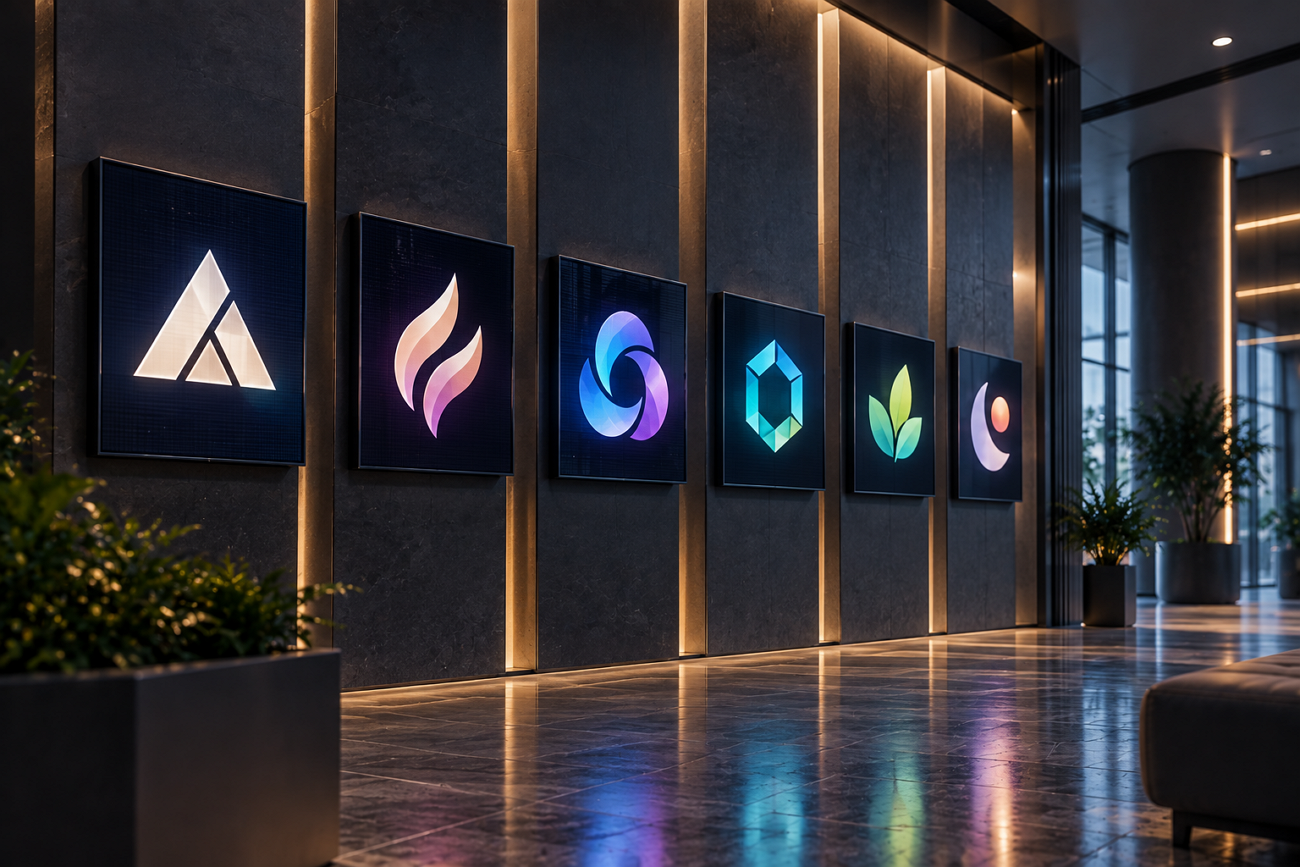
A logo must work on small icons and large displays without losing detail. This need helps define the best AI logo generator for each branding project. Many tools can create logo images in seconds with very little input required.
Fewer tools provide files that printers and designers can use without extra work. Download fees and licensing terms can also affect the final cost of ownership. This guide compares 7 tools to help you choose the right option easily.
Part 1. What to Look for in an AI Logo Generator
The best AI logo creator should deliver files that work beyond simple images. Below are 4 checks to review before choosing any AI logo generation tool:
- Vector Output: SVG or EPS files scale to any size without losing image quality.
- Licensing Terms: Some free plans limit ownership or make generated logo designs publicly available.
- Download Cost: Logo generation may be free, while downloading usable files can require payment.
- Text Handling: A good tool should render brand names and wordmarks without broken letters.
This check removes more tools than the other three before deeper review begins. PNG-only files suit social profiles but fail when sign makers need scalable artwork.
Part 2. 7 Best AI Logo Generators to Consider
The best AI logo generators differ mainly in how they create and export logos. Some produce scalable vector artwork, while others only generate standard logo images for download.
1. MagicLight AI
Best For: Brand owners exploring multiple logo ideas.
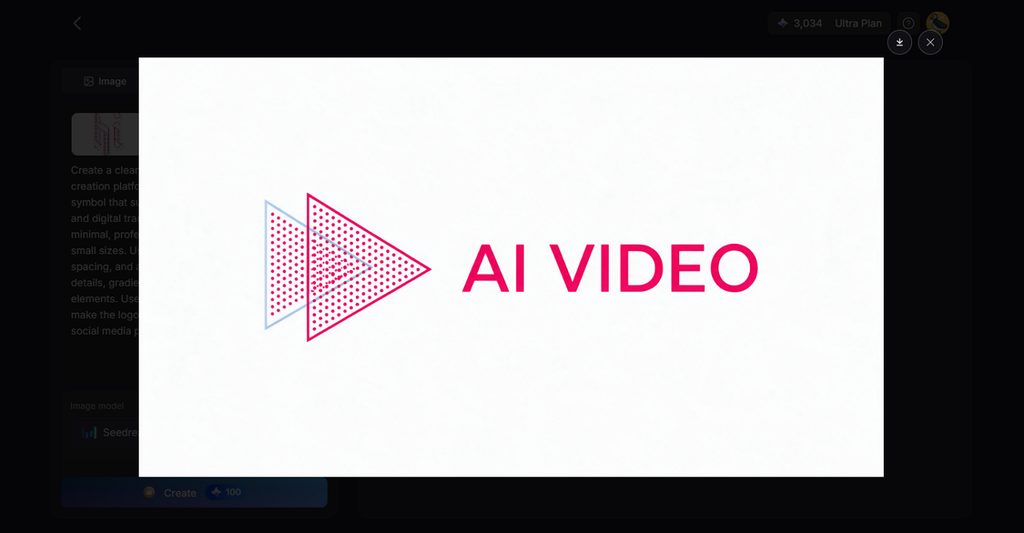
MagicLight AI helps users generate logo concepts from simple prompts inside one workspace. Users can explore different visual directions without sketching every logo idea manually first. Reference images guide generated logos toward an existing brand style or color direction.
Generated logo ideas can also support social visuals, characters, and branded video content. Approved visuals can move into Image to Video without leaving the same platform. This makes MagicLight useful for brands needing logos and wider creative assets together.
Key Features
- Flexible Ratios: Choose square, landscape, portrait, or 4:3 formats for different content needs. These layout choices make generated images suitable for different publishing platforms.
- Image to Video: Upload up to 5 reference images when turning approved brand visuals into video content. This helps extend logo concepts into motion-based creative work.
- Reference Support: Upload reference files up to 20MB to guide colors, shapes, and overall visual direction. This helps generated concepts stay closer to an existing brand identity.
Pros
- Generates multiple image versions from one prompt for easier logo concept comparison.
- Extends approved logo concepts into supporting brand visuals and video content.
Cons
- Free trial credits can limit how many logo concepts users generate.
2. Recraft
Best For: Designers needing vector logos for professional brand projects.
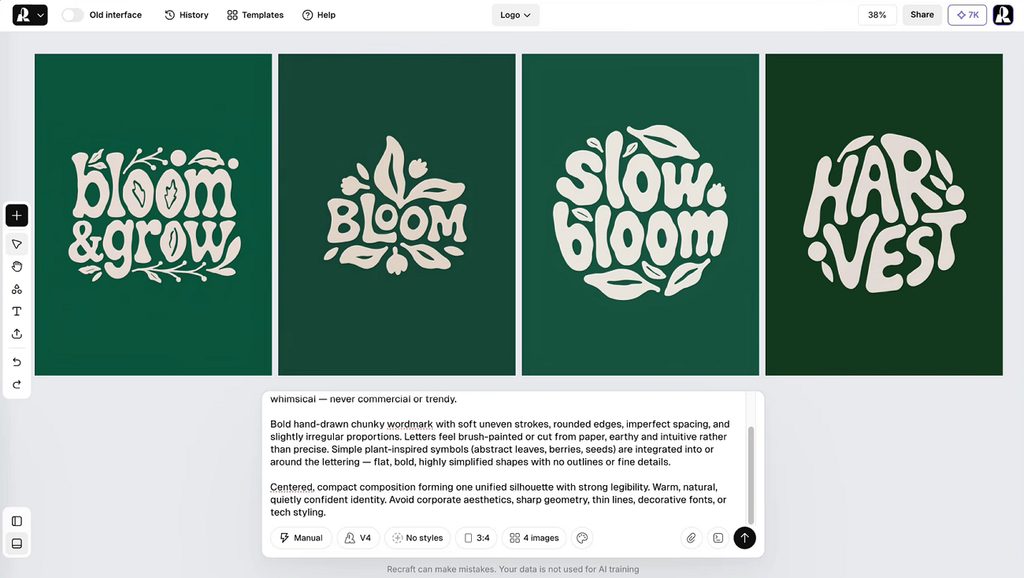
Recraft makes the best AI for creating logos useful for scalable brand artwork. It turns written prompts into editable vector marks ready for further design work. Designers can adjust shapes directly without rebuilding promising logo concepts in other software.
Key Features
- Users can generate several visual variations from one description.
- Built-in vectorization converts imported raster images into editable SVGs.
- Palette controls reduce colors across entire generated vector designs.
Pros
- Multiple generations make comparing logo directions faster before selection.
- CMYK export supports logo files prepared for professional printing.
Cons
- Free creations appear publicly inside Recraft's community gallery online.
- Commercial usage rights require moving beyond the free plan.
3. Looka
Best For: Founders needing complete branding without professional design experience.
For many founders, Looka offers the best AI for logo generation through guided setup. It builds logo concepts from selected industries, colors, styles, symbols, and brand preferences. Users can edit layouts, fonts, colors, and symbols before choosing a final design.
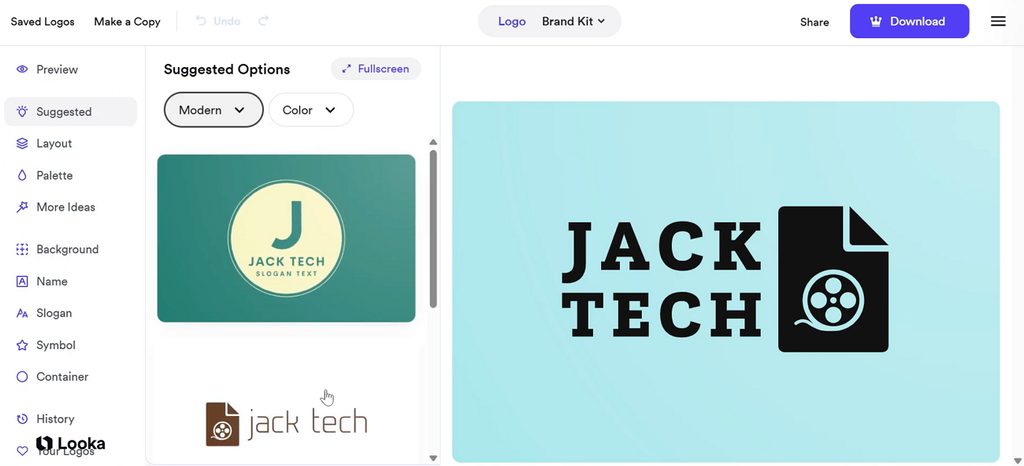
Image alt: choosing logo styles through guided setup
Key Features
- Brand kits automatically create hundreds of matching business templates.
- Downloads include SVG, EPS, PDF, and high-resolution PNG formats.
- Mockups preview chosen logos across merchandise and printed products.
Pros
- Logo exploration works before payment, reducing early commitment risk.
- Purchased logos include lifetime support for downloaded logo files.
Cons
- Basic packages provide PNG files without scalable vector formats.
- Brand kit access requires an ongoing subscription after purchase.
4. Brandmark
Best For: Founders wanting one-time logo ownership without recurring subscriptions.
One-time access makes Brandmark practical when seeking the best AI for making logos. Free logo generation lets users explore concepts before purchasing any finished design files. Purchased logos remain editable later, helping businesses refine designs as their branding changes.
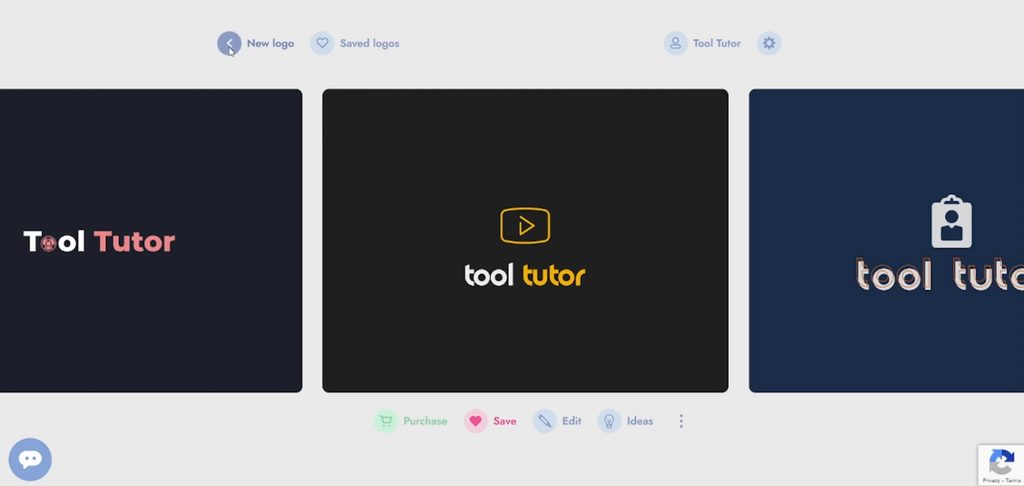
Image alt: customizing generated logo design options
Key Features
- Every package includes PNG and vector logo files, including SVG.
- Brand Guide automatically documents logo colors, typography, and usage.
- Browser editing lets users adjust text, colors, and layouts.
Pros
- Unlimited revisions allow later updates without buying another package.
- Full copyright covers both commercial and personal logo use.
Cons
- Free concepts cannot be downloaded for real-world testing beforehand.
- Advanced human design help is limited to higher packages.
5. LogoAI
Best For: Users needing logos plus connected brand assets together.
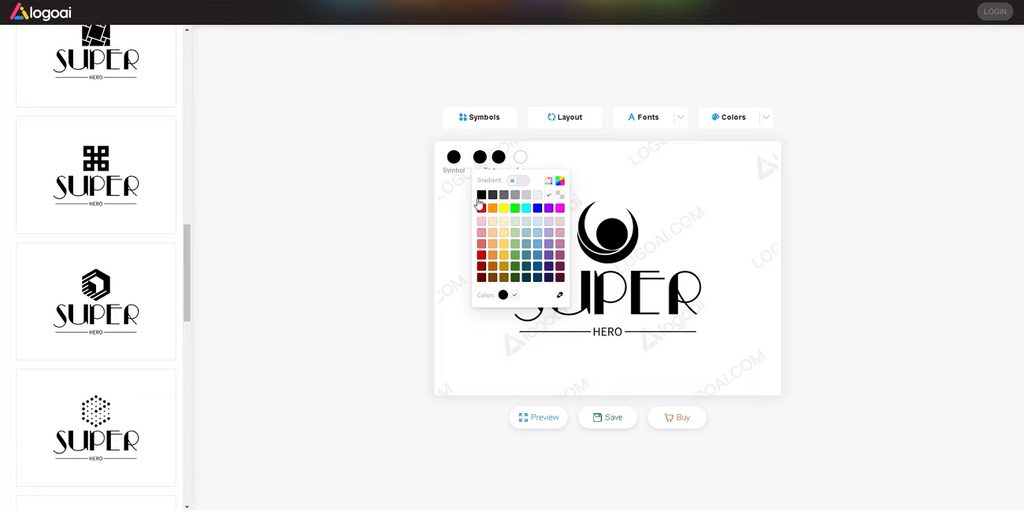
Rather than simple templates, this best AI image generator for logos builds identities. Business details first guide each logo concept toward a more suitable visual direction. Chosen designs connect with matching colors, fonts, mockups, social assets, and videos automatically.
Key Features
- Brand DNA uses company details to shape visual direction.
- Multi-model analysis compares several concepts before surfacing stronger options.
- Logo animations turn static marks into motion-ready branded assets.
Pros
- Living brand kits keep linked colors and fonts synchronized.
- Mockups place finished logos onto packaging, signage, and apparel.
Cons
- Full vector downloads require purchasing the appropriate paid package.
- Broad design tools may feel unnecessary for logo-only buyers.
6. Ideogram
Best For: Designers creating text-heavy wordmarks before final vector production.
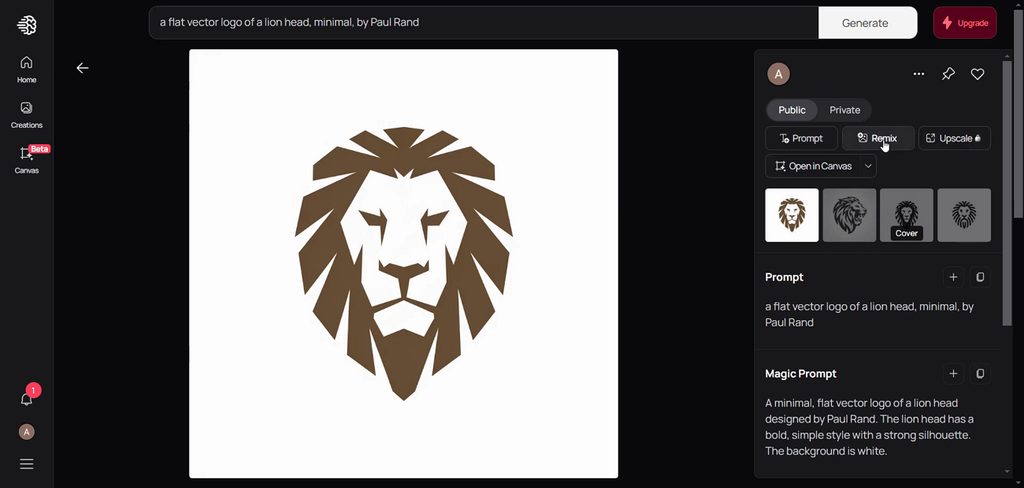
Ideogram focuses on accurate lettering, which matters when logos rely heavily on brand names. For wordmarks, it can be the best AI for logo generation option. Users can refine text-based concepts before preparing the final design for vector production.
Key Features
- Custom styles combine up to 3 uploaded reference images.
- Magic Fill replaces selected logo areas using text prompts.
- Color Palette applies chosen colors across generated logo concepts.
Pros
- Commercial use is allowed without Ideogram claiming generated output ownership.
- Remix creates new logo variations while preserving the original composition.
Cons
- Free generations appear publicly inside the platform by default.
- Private generation requires moving to a higher paid plan.
7. Canva
Best For: Small teams creating logos with everyday marketing content.
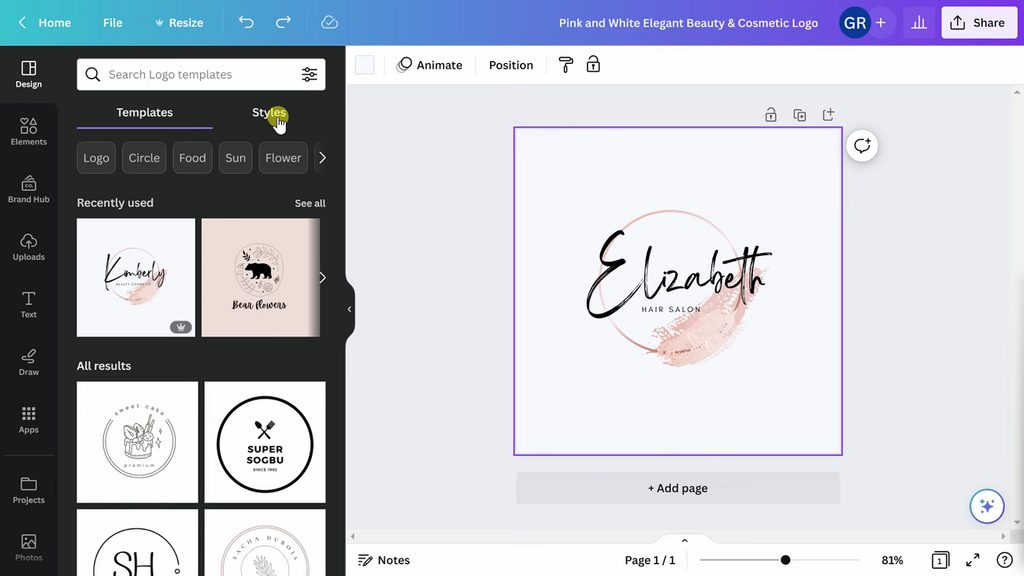
Template-based editing gives beginners an easier way to assemble logos without prompt writing. It remains among the best AI tools for logo creation for simple brand work. Users can combine fonts, icons, colors, and layouts inside one familiar design workspace.
Key Features
- Magic Switch resizes one logo design for multiple formats.
- Mockups place finished logos onto realistic branded product previews.
- Brand Kit stores approved logos, colors, and company fonts.
Pros
- Real-time comments make collaborative logo review easier for teams.
- Designs stay editable across both mobile and desktop devices.
Cons
- Stock elements cannot support exclusive trademark rights for logos.
- Logos created from Canva’s free customizable logo templates cannot be trademarked.
Compare All AI Logo Generators
The best AI logo generator depends on pricing, file formats, licensing terms, and usage needs. Look at the table below to compare these tools across the most important factors:
| Tool | Vector Output | Free Tier | Cost to Download | Best At |
| MagicLight AI | Raster output | Free trial, limited credits | Included with available credits | Concepts and wider brand visuals |
| Recraft | Editable SVG | 30 credits daily, public | Paid plans from about $25/month | Vector artwork straight from prompts |
| Looka | SVG and EPS on Premium | Design and preview free | $20 PNG, $65 vector package | Guided logo and brand kits |
| Brandmark | Vector included | Generation free | $35 to $195 one-off | One-time logo and branding purchase |
| LogoAI | Vector on Pro and Brand | Logo design free | $29 to $99 one-off | Fixed-price logo and brand packages |
| Ideogram | Raster only | 10 credits weekly | Free generation and downloads | Lettering and wordmark concepts |
| Canva | SVG available, feature dependent | Free editor and templates | Free or paid, depending on assets | Template-based logo editing |
Part 3. Why Choose MagicLight AI for AI Logo Design?
The best AI logo creator should help shape strong ideas before final production begins. Below are the main reasons MagicLight AI works well during early logo planning:
- AI Logo Animation: Turn a finished logo concept into animated brand content through Image to Video.
- Supported Files: Upload JPEG, PNG, or WEBP references up to 20MB each during image generation.
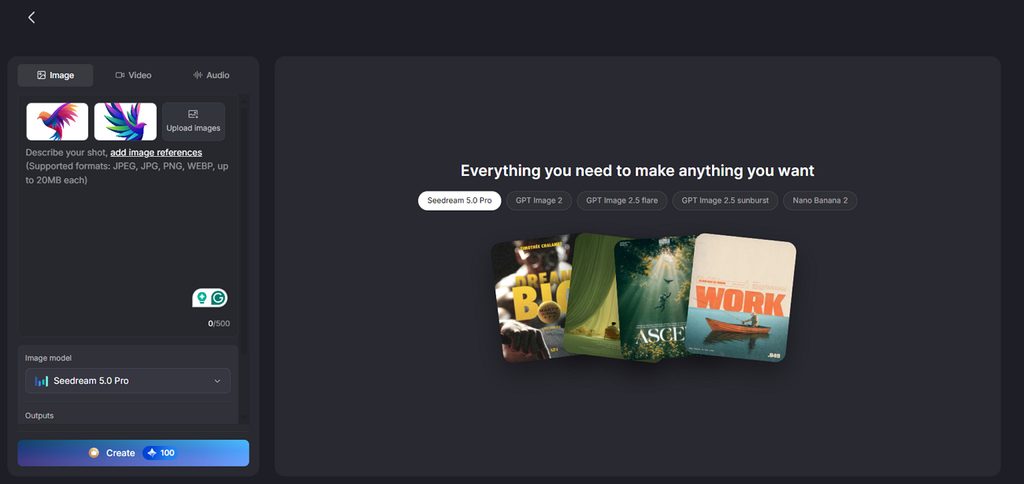
- Multiple Image Models: MagicLight AI includes 5 image models, such as Nano Banana 2 and GPT Image 2. Users can compare different logo results without switching between separate platforms.
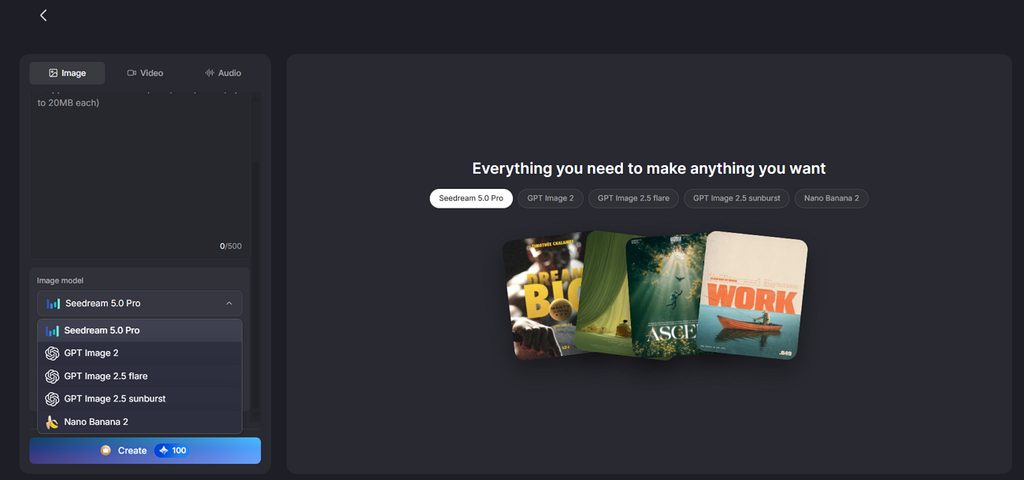
Guide to Create an AI Logo with MagicLight AI
Creating a logo with the best AI for generating logos takes only several steps. Follow the steps below to move from a prompt to your finished logo design:
Step 1. Access The AI Image Generator
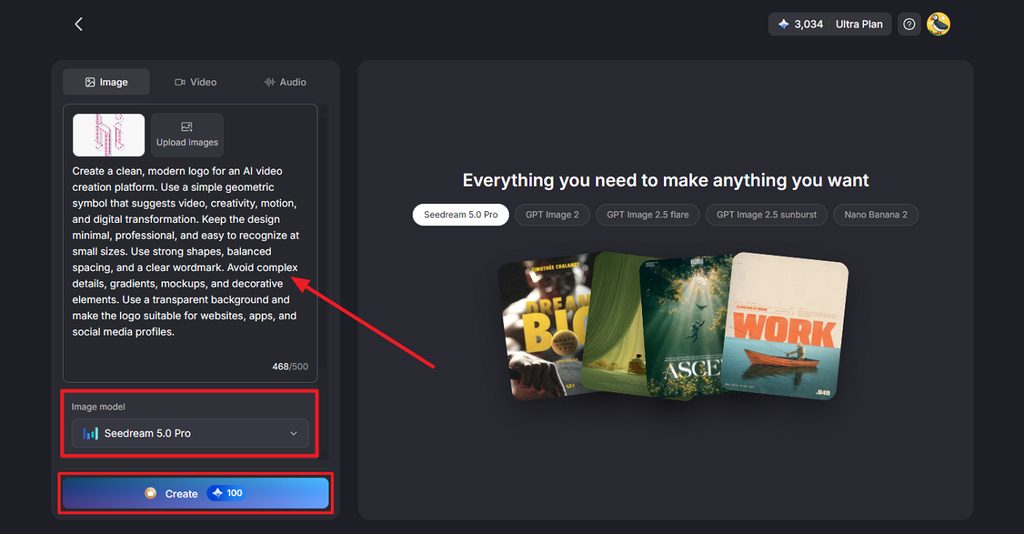
Open the Toolbox from the main interface and select the Image tab. Upload a reference logo, brand asset, or visual if you want to guide the design. Enter a clear description of the logo you want to create. Then choose the Image Model, Outputs, and Aspect Ratios based on your needs. Press Create to generate the logo concepts.
Step 2. Download the Generated Image
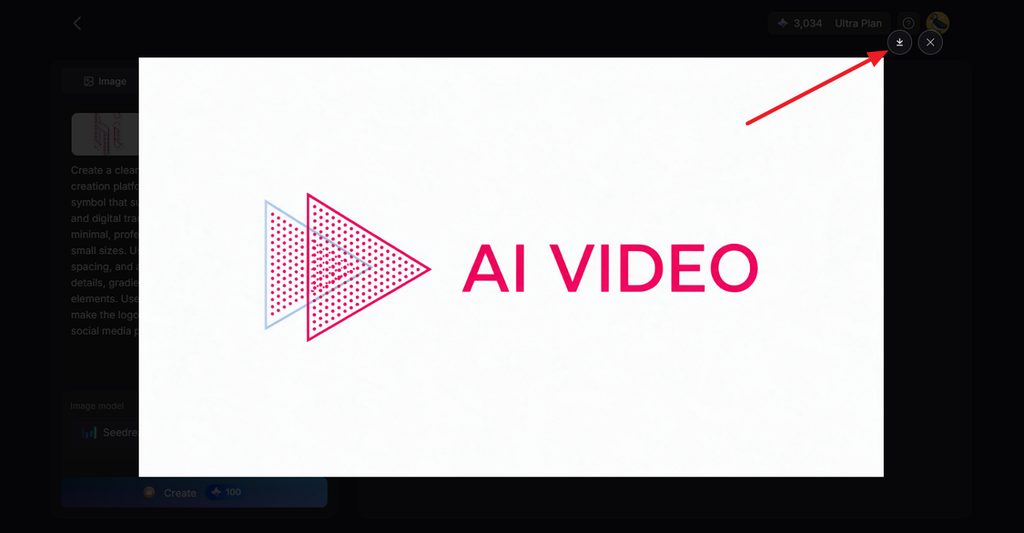
Review the generated logo options and choose the version that fits your brand direction. Press the Download icon to save the selected logo or regenerate it if you want more variations.
Conclusion
To conclude, the best AI logo generator depends on what your finished branding project requires. Recraft offers vector output, while Brandmark and LogoAI provide fixed packages for finished brand assets. Looka supports brand kits, while Ideogram works well for lettering and text-focused logo concept projects. MagicLight AI also serves as the best AI animation generator for animating finished logo concepts.
FAQs on Best AI Logo Generators
1. How does an AI logo generator work?
Template tools combine shapes and fonts, while generative tools create artwork from descriptions. The best AI for creating logos lets users refine generated concepts before use.
2. Can AI create a logo from a brand description?
Useful brand descriptions name industries, shapes, colors, symbols, and other specific visual details. MagicLight AI tests one description across 5 models to produce different logo directions.
3. Why are vector files important for logos?
Vector files store shapes as paths, allowing logos to scale without losing quality. Printers prefer SVG or EPS because raster logos can blur when enlarged significantly.
4. Can I create an editable logo with MagicLight?
MagicLight AI lets you refine logo concepts through prompts, references, and repeated generations. However, generated logos are raster images rather than editable SVG vectors, so additional vectorization may be needed for professional logo editing.
5. Which AI logo generator can also support broader visual creation?
Among the best AI tools for logo creation, MagicLight AI supports broader branding. Users can create brand images, animated logos, and narrated videos inside one workspace.