


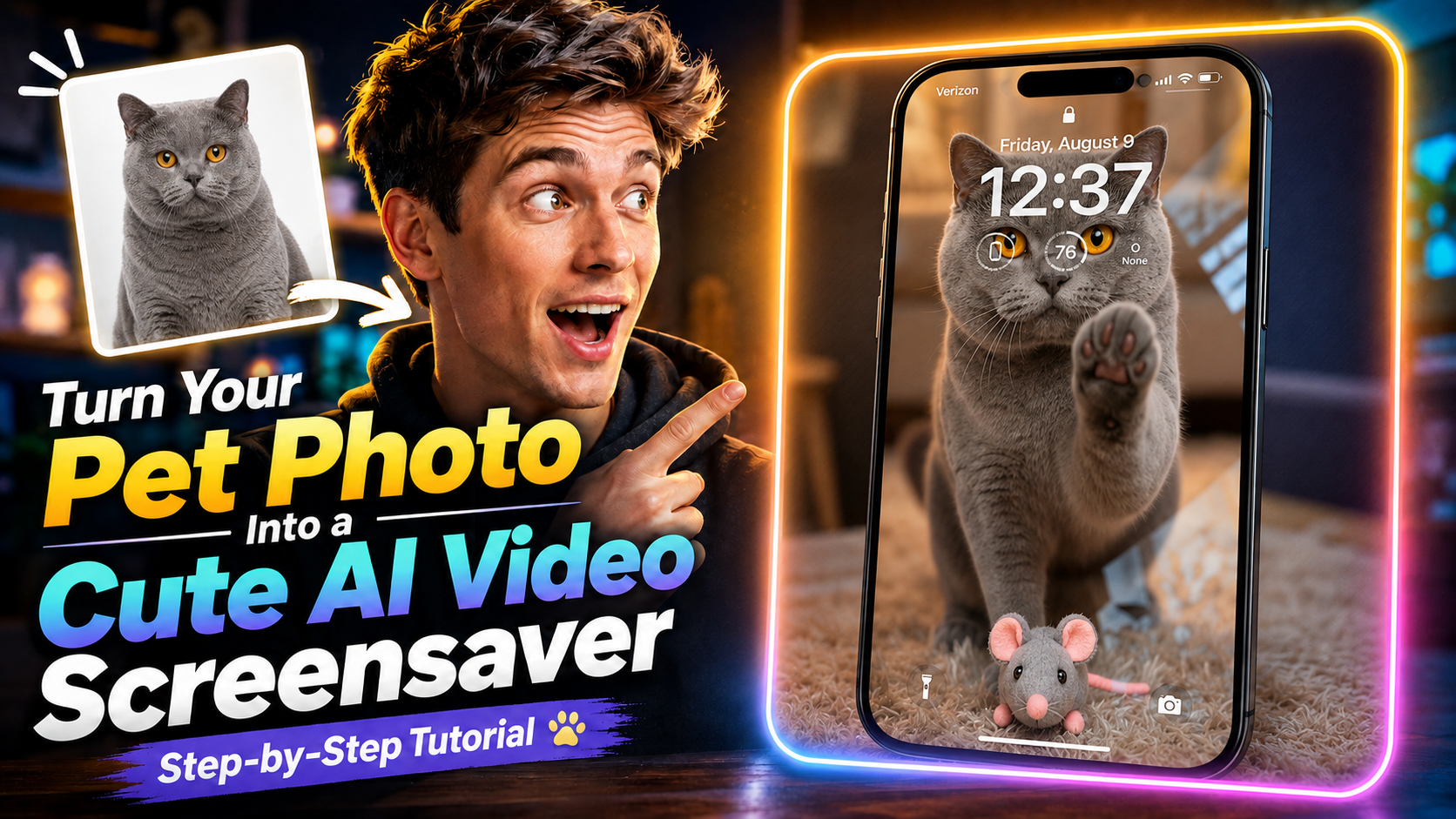
Du willst aus dem Lieblingsfoto deines Haustiers einen süßen, bewegten Bildschirmschoner machen? In Magiclight wird aus einem Bild ein kurzes Video – ohne langes Setup.
In dieser Anleitung lädst du das Foto hoch, wählst Seedance 2.5 und erzeugst ein Screensaver-Video, ohne selbst zu schneiden.
Schau dir zuerst das ganze Video an, kopier danach den Prompt und probier ihn mit dem Foto deines eigenen Tiers.
Was am Ende rauskommt
Ein kurzes Video, in dem dein Haustierfoto lebendig wird. Ideal als süßer Screensaver, oder einfach als Clip zum Behalten und Teilen.
Zum Start reicht ein scharfes Foto, auf dem man dein Haustier gut erkennt.
1. Generate Video in Magiclight öffnen
Geh auf Magiclight.ai und klick auf Toolbox.
Wähl dort Generate Video, um in den Video-Workflow zu kommen.
2. Haustierfoto hochladen
Lad das Foto hoch, das sich bewegen soll. Am besten klar im Gesicht und im Fell – das wird die Vorlage fürs Video.
3. Seedance 2.5 wählen
Bei den Modellen Seedance 2.5 auswählen.
Genau dieses Modell nutzen wir hier, um aus dem stillen Foto ein Screensaver-Video zu machen.
4. Prompt einfügen
Mit diesem Prompt steuerst du Bewegung, Blick, Umgebung und das letzte Bild der Katze.
Prompt
Den Prompt auf Englisch 1:1 kopieren. Übersetzen verschlechtert das Ergebnis meist.
Fixed camera, single continuous take. A cat is in a warm, cozy real home living room with a softly blurred background. A perfectly transparent glass sheet sits flush with the lens, so the cat feels like it is right on the other side of the screen. The glass starts clear.
The cat looks directly into the camera as if noticing someone outside the screen. After a brief pause, it turns, walks a short distance, picks up a small cute toy in its mouth, and carries it back. The toy can be a plush mouse, tiny plush heart, or yarn ball.
The cat comes close to the glass and gently places the toy down in front of it, like offering a gift to the viewer. Then it lifts one front paw and lightly touches the glass once, with soft realistic paw-pad contact. After that, it lowers the paw, stays close behind the toy, and looks at the camera with a sweet, expectant expression. Finally, it leans a little closer and gives one soft blink, holding the gaze for a moment.
Realistic, warm, healing, intimate. No phone frame, no UI, no text, no subtitles, no camera movement, no cuts, no cartoon style, no 3D animation feel, no human hands, no automatic effects.
Strict order: look at camera → turn away → pick up toy → carry it back → place toy down → touch glass once → look at camera → lean closer → blink.
5. Video erzeugen
Klick auf Generate und warte, bis Magiclight fertig ist.
Danach kannst du dir das süße Haustier-Screensaver-Video anschauen.
Jetzt selbst in Magiclight ausprobieren
Mehr ist es nicht: Generate Video öffnen, Foto hochladen, Seedance 2.5 wählen, Prompt einfügen, auf Generate klicken.
Nimm dein Lieblingsfoto und schau, wie dein Haustier sich bewegt.