


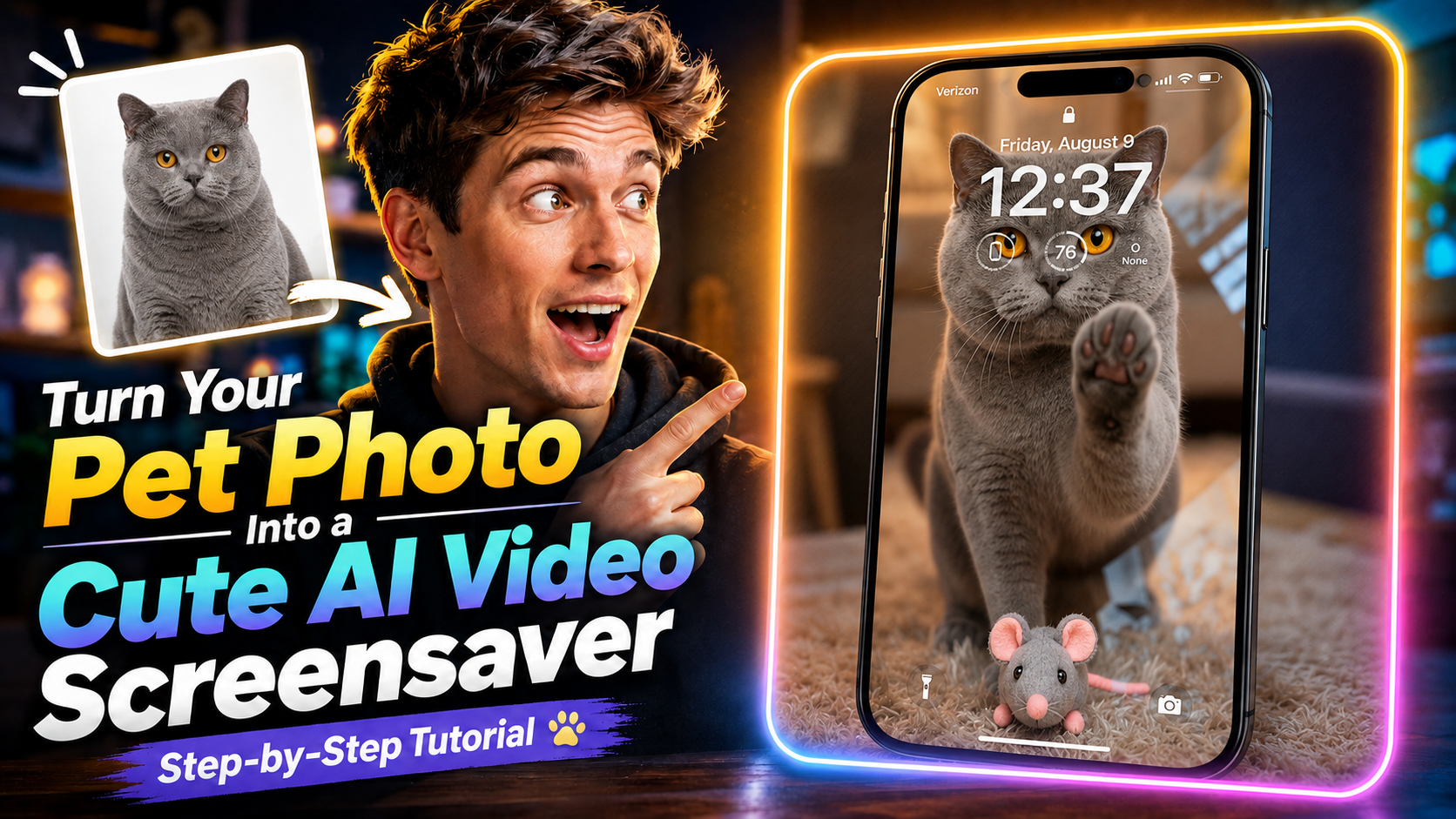
En sevdiğin evcil hayvan fotoğrafını hareket eden, sevimli bir ekran koruyucuya dönüştürmek ister misin? Magiclight’ta tek bir görsel, kısa ve tatlı bir videoya yetiyor; süreç uzamıyor.
Bu rehberde fotoğrafı yükleyip Seedance 2.5’i seçiyor, karmaşık kurgu olmadan screensaver tarzı bir video oluşturuyorsun.
Önce videoyu sonuna kadar izle, sonra aşağıdaki prompt’u kopyala ve kendi fotoğrafınla dene.
Ortaya ne çıkacak
Fotoğraftaki evcil hayvanın canlandığı kısa bir video. Sevimli bir ekran koruyucu olarak da durur, saklayıp paylaşmak için de yeter.
Başlamak için net çekilmiş bir evcil hayvan fotoğrafı yeterli.
1. Magiclight’ta Generate Video’yu aç
Magiclight.ai adresine gir ve Toolbox’a tıkla.
Araçların içinden Generate Video’yu seç; video oluşturma akışı açılır.
2. Evcil hayvan fotoğrafını yükle
Hareket ettirmek istediğin fotoğrafı yükle. Yüzünün ve tüyünün net göründüğü bir kare seç; video onun üzerinden kurulacak.
3. Seedance 2.5’i seç
Model seçeneklerinde Seedance 2.5’i işaretle.
Bu rehberde durağan fotoğrafı screensaver tarzı videoya çevirmek için kullandığımız model bu.
4. Prompt’u yapıştır
Aşağıdaki prompt, kedinin hareketini, ifadesini, ortamı ve son kadrajı yönetir.
Prompt
Prompt’u İngilizce haliyle, olduğu gibi kopyala. Çevirmek genelde sonucu bozar.
Fixed camera, single continuous take. A cat is in a warm, cozy real home living room with a softly blurred background. A perfectly transparent glass sheet sits flush with the lens, so the cat feels like it is right on the other side of the screen. The glass starts clear.
The cat looks directly into the camera as if noticing someone outside the screen. After a brief pause, it turns, walks a short distance, picks up a small cute toy in its mouth, and carries it back. The toy can be a plush mouse, tiny plush heart, or yarn ball.
The cat comes close to the glass and gently places the toy down in front of it, like offering a gift to the viewer. Then it lifts one front paw and lightly touches the glass once, with soft realistic paw-pad contact. After that, it lowers the paw, stays close behind the toy, and looks at the camera with a sweet, expectant expression. Finally, it leans a little closer and gives one soft blink, holding the gaze for a moment.
Realistic, warm, healing, intimate. No phone frame, no UI, no text, no subtitles, no camera movement, no cuts, no cartoon style, no 3D animation feel, no human hands, no automatic effects.
Strict order: look at camera → turn away → pick up toy → carry it back → place toy down → touch glass once → look at camera → lean closer → blink.
5. Videoyu oluştur
Generate’e bas ve Magiclight bitsin diye bekle.
Üretim bitince sevimli ekran koruyucu videosunu önizleyebilirsin.
Şimdi Magiclight’ta dene
Akış bu kadar: Generate Video’yu aç, fotoğrafı yükle, Seedance 2.5’i seç, prompt’u yapıştır, Generate’e bas.
En sevdiğin kareyle dene, evcil hayvanının hareketini gör.