


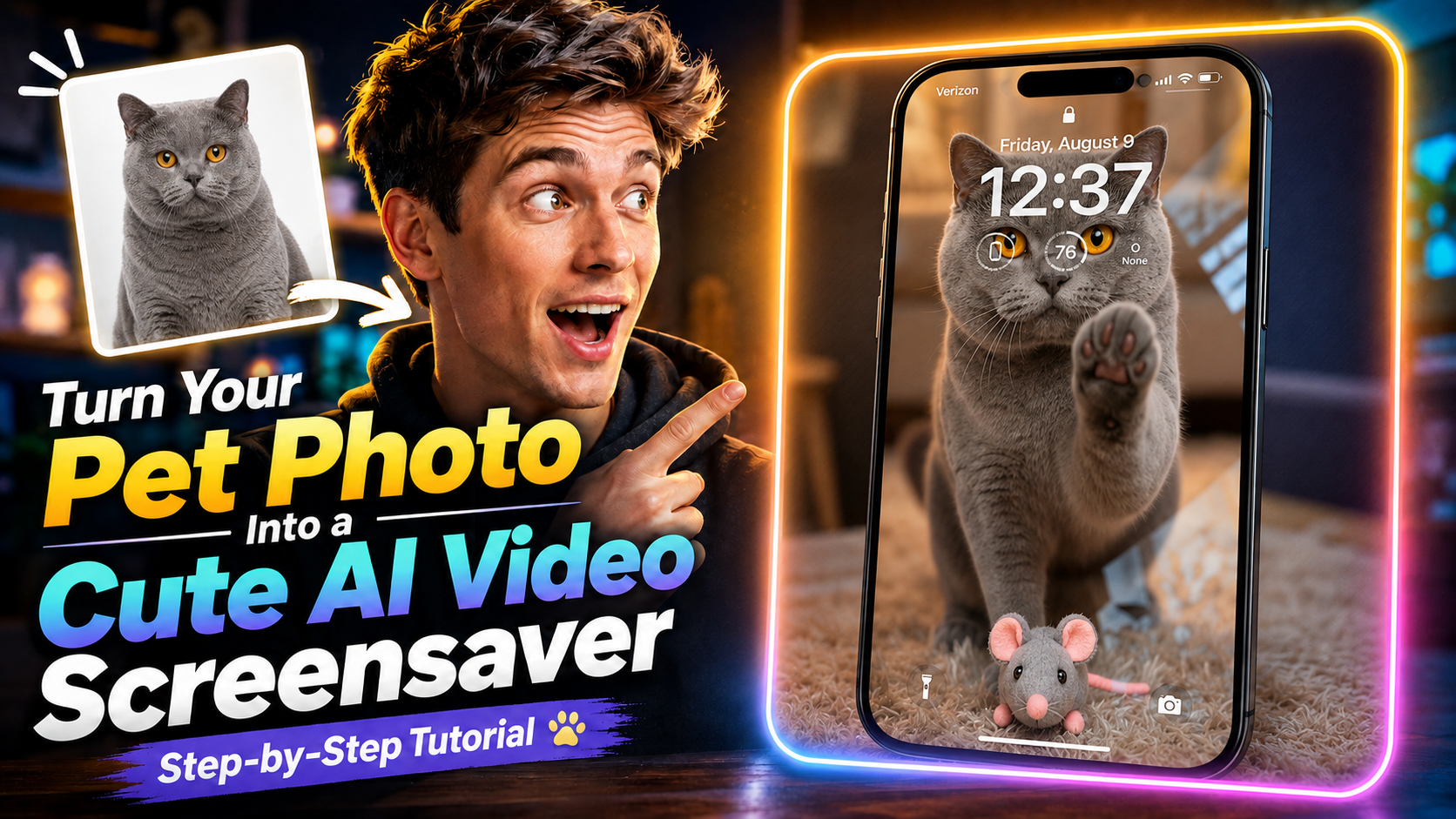
想把最喜歡的寵物照片,變成會動的可愛螢幕保護程式嗎?在 Magiclight 裡,一張圖就能做出一小段很有感覺的影片,步驟不麻煩。
這篇教學會帶你上傳寵物照片、選 Seedance 2.5,再生成一段像螢幕保護程式的影片,不用自己剪。
先把完整影片看一遍,再把下面的提示詞複製起來,換成你家毛孩的照片試試看。
你會做出什麼
成品是一段短影片:照片裡的寵物會動起來。拿來當可愛的螢幕保護程式很適合,發到社群也完全夠看。
開始前只需要一張清楚的寵物照片。
1. 打開 Magiclight 的 Generate Video
打開 Magiclight.ai,點 Toolbox。
在工具列表裡選 Generate Video,進入影片生成流程。
2. 上傳寵物照片
上傳你想讓牠動起來的那張照片。盡量選寵物主體清楚、臉和毛髮都看得到的,後面生成會穩很多。
3. 選擇 Seedance 2.5
模型這裡選 Seedance 2.5。
教學用的就是這個模型,把靜態寵物照變成螢幕保護程式風格的影片。
4. 填入提示詞
用下面這段提示詞來控制貓咪的動作、表情、環境和最後的構圖。
提示詞
這段請原樣複製,不要翻譯。直接貼進 Magiclight,效果最穩。
Fixed camera, single continuous take. A cat is in a warm, cozy real home living room with a softly blurred background. A perfectly transparent glass sheet sits flush with the lens, so the cat feels like it is right on the other side of the screen. The glass starts clear.
The cat looks directly into the camera as if noticing someone outside the screen. After a brief pause, it turns, walks a short distance, picks up a small cute toy in its mouth, and carries it back. The toy can be a plush mouse, tiny plush heart, or yarn ball.
The cat comes close to the glass and gently places the toy down in front of it, like offering a gift to the viewer. Then it lifts one front paw and lightly touches the glass once, with soft realistic paw-pad contact. After that, it lowers the paw, stays close behind the toy, and looks at the camera with a sweet, expectant expression. Finally, it leans a little closer and gives one soft blink, holding the gaze for a moment.
Realistic, warm, healing, intimate. No phone frame, no UI, no text, no subtitles, no camera movement, no cuts, no cartoon style, no 3D animation feel, no human hands, no automatic effects.
Strict order: look at camera → turn away → pick up toy → carry it back → place toy down → touch glass once → look at camera → lean closer → blink.
5. 生成影片
點 Generate,等 Magiclight 生成完成。
生成結束後就可以預覽這段可愛的寵物螢幕保護程式影片了。
現在就去 Magiclight 試一次
流程就是這些:打開 Generate Video,上傳寵物照,選 Seedance 2.5,貼上提示詞,再點 Generate。
拿一張你最喜歡的照片試試看,看看自家寵物動起來是什麼樣子。