


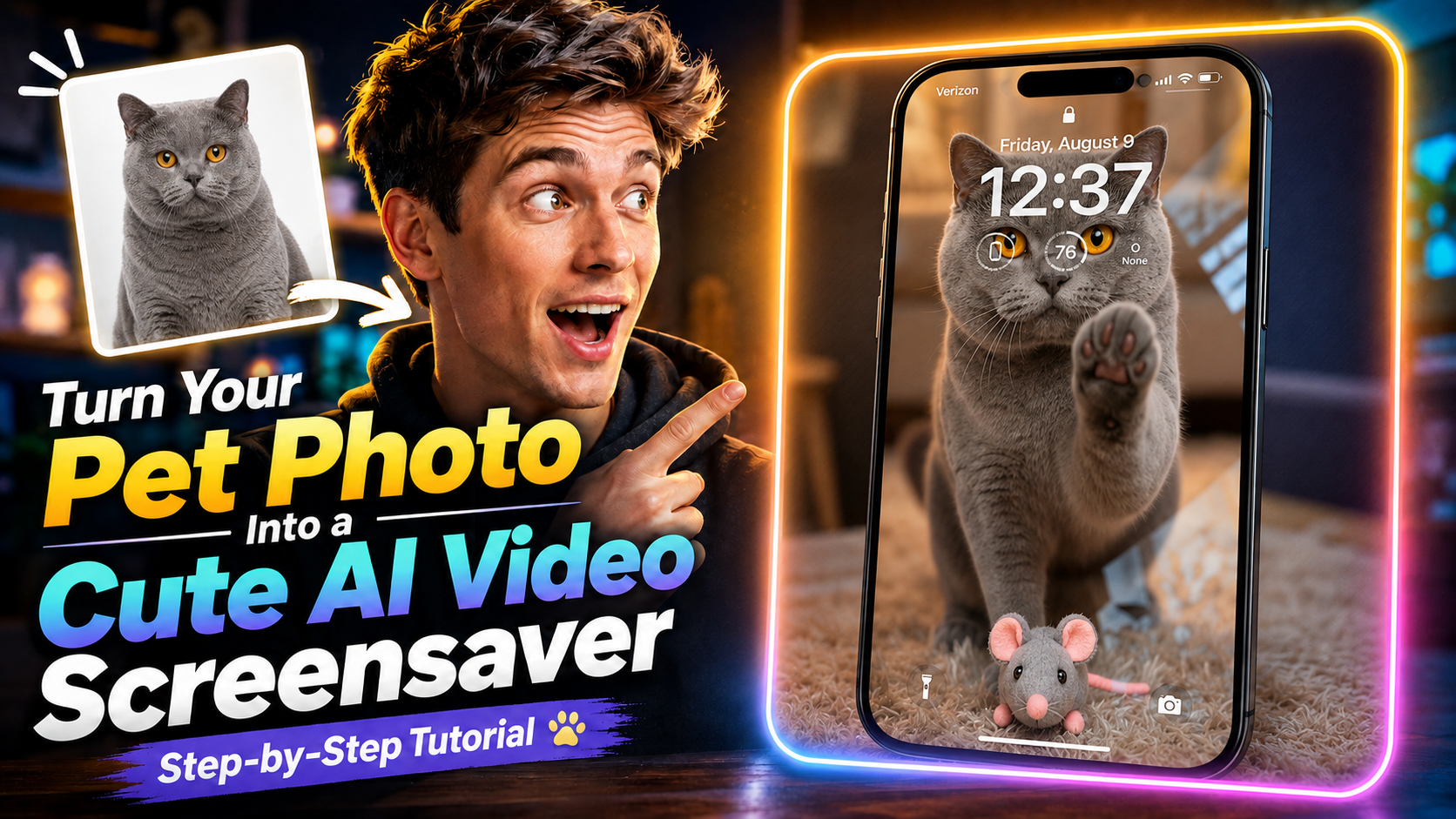
お気に入りのペット写真を、動くかわいいスクリーンセーバーにしたいとき。Magiclightなら、写真1枚から短い動画を作れます。工程も長くありません。
このチュートリアルでは、ペットの写真をアップロードし、Seedance 2.5を選んで、難しい編集なしでスクリーンセーバー風の動画を生成します。
まずは動画を最後まで見てから、下のプロンプトをコピーして、うちの子の写真で試してみてください。
できるもの
写真のペットが動き出す短い動画です。かわいいスクリーンセーバーとしても、そのまま保存してシェアしても使えます。
最初に必要なのは、ペットがはっきり写った写真1枚だけです。
1. Magiclightで Generate Video を開く
Magiclight.ai を開いて、Toolbox をクリックします。
ツールの中から Generate Video を選ぶと、動画生成の画面に入ります。
2. ペットの写真をアップロード
動かしたいペットの写真をアップロードしてください。顔と毛並みがはっきり見える写真を選ぶと、仕上がりが安定します。
3. Seedance 2.5 を選ぶ
モデルは Seedance 2.5 を選択します。
このチュートリアルでは、静止画のペット写真をスクリーンセーバー風の動画にするときに、このモデルを使います。
4. プロンプトを入れる
次のプロンプトで、猫の動き、表情、背景、最後の構図を指定します。
プロンプト
このプロンプトは英語のままコピーして貼ってください。翻訳すると、仕上がりが落ちやすいです。
Fixed camera, single continuous take. A cat is in a warm, cozy real home living room with a softly blurred background. A perfectly transparent glass sheet sits flush with the lens, so the cat feels like it is right on the other side of the screen. The glass starts clear.
The cat looks directly into the camera as if noticing someone outside the screen. After a brief pause, it turns, walks a short distance, picks up a small cute toy in its mouth, and carries it back. The toy can be a plush mouse, tiny plush heart, or yarn ball.
The cat comes close to the glass and gently places the toy down in front of it, like offering a gift to the viewer. Then it lifts one front paw and lightly touches the glass once, with soft realistic paw-pad contact. After that, it lowers the paw, stays close behind the toy, and looks at the camera with a sweet, expectant expression. Finally, it leans a little closer and gives one soft blink, holding the gaze for a moment.
Realistic, warm, healing, intimate. No phone frame, no UI, no text, no subtitles, no camera movement, no cuts, no cartoon style, no 3D animation feel, no human hands, no automatic effects.
Strict order: look at camera → turn away → pick up toy → carry it back → place toy down → touch glass once → look at camera → lean closer → blink.
5. 動画を生成する
Generate をクリックして、Magiclight の生成が終わるまで待ちます。
完了したら、かわいいペットのスクリーンセーバー動画をプレビューできます。
今すぐ Magiclight で試す
流れはこれだけです。Generate Video を開き、ペット写真を上げ、Seedance 2.5 を選び、プロンプトを貼って Generate。
一番好きな写真で試して、うちの子が動き出す様子を見てみてください。